Quest Guide
A Lay of the Land
This guide provides a detailed walkthrough for completing the 'A Lay of the Land' quest in Arc Raiders, covering how to find the shipping notes and the LIDAR scanners, and where to extract to finish the quest.
All4nDev
November 4, 2025


Overview
The 'A Lay of the Land' quest on Spaceport requires you to locate shipping notes in the Jangsu Warehouse and then retrieve LIDAR scanners from Control Tower A6, followed by extraction.
Step 1: Locate Jangsu Warehouse & Find Shipping Notes
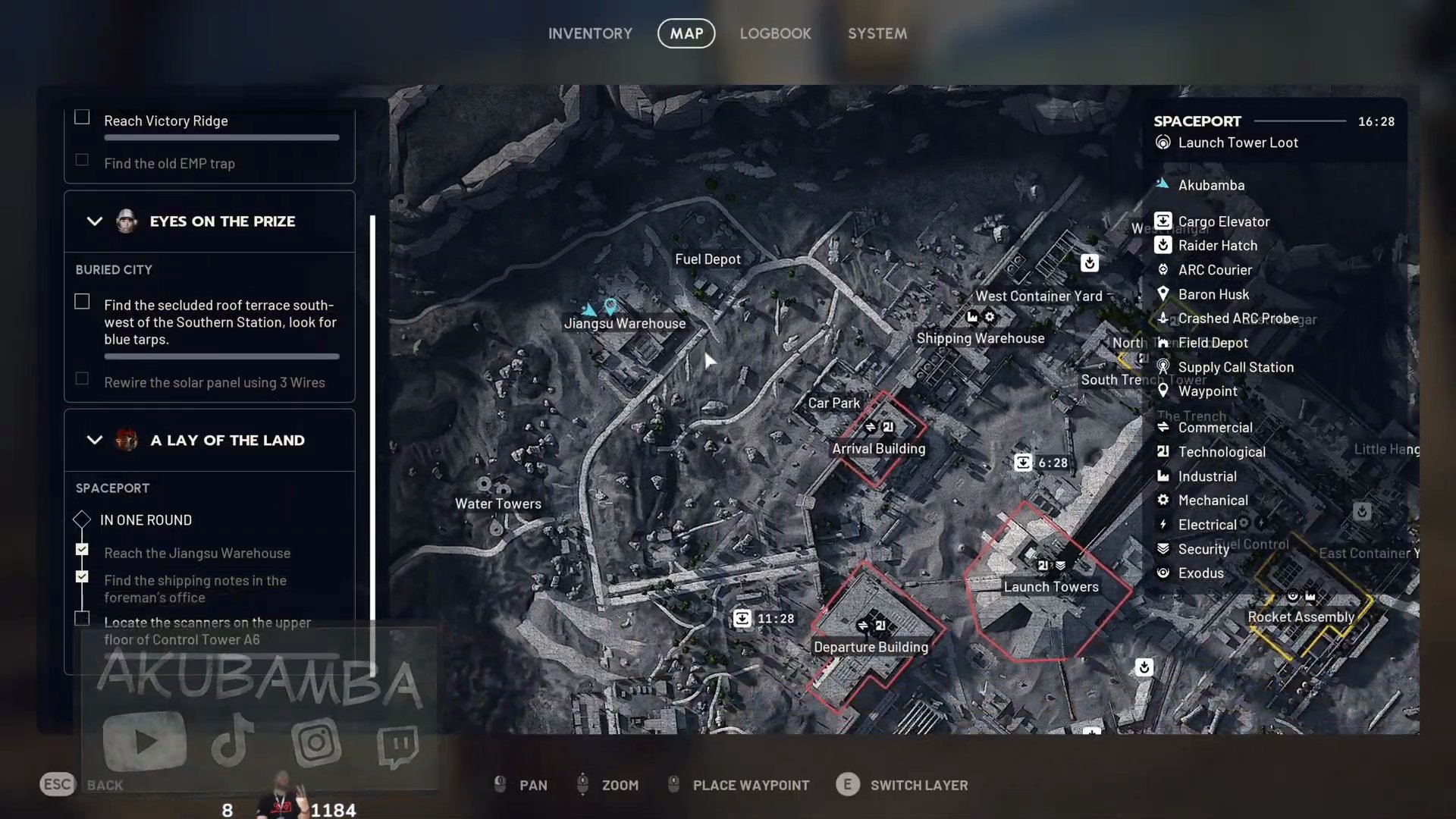
- Open your map and locate the Jangsu Warehouse in the Spaceport area.
- Head to the back side of the warehouse where you will find an entrance.
- Go through the door and proceed up the stairs.
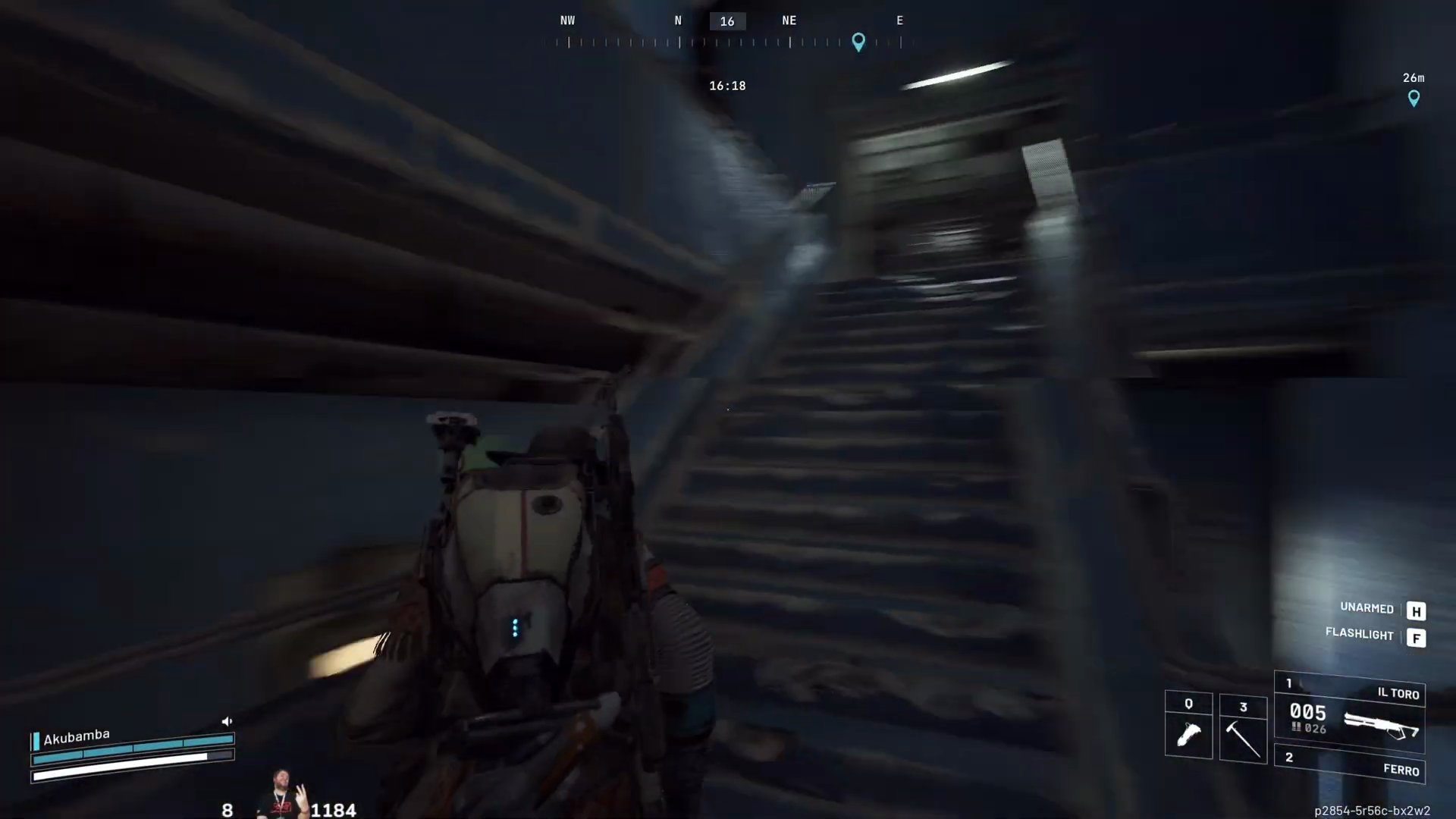
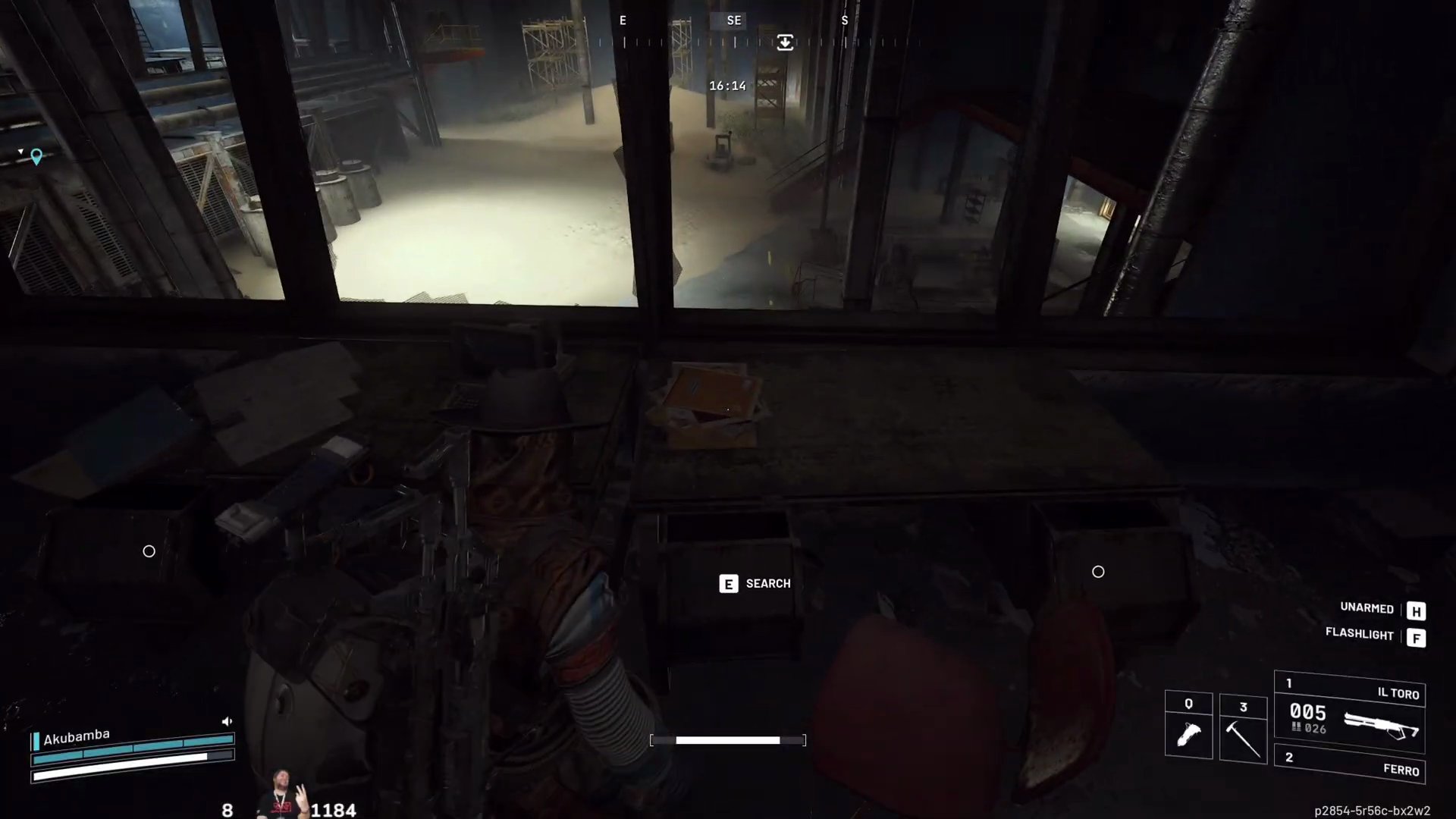
- At the top of the stairs, turn right and enter the foreman's office.
- On the desk, you will find the shipping notes. Interact to grab them.
Step 2: Travel to Control Tower A6
- After collecting the notes, your objective will update to locate the LIDAR scanners in Control Tower A6.
- Open your map again to find the location of Control Tower A6. It's to the southeast of the Jangsu Warehouse.
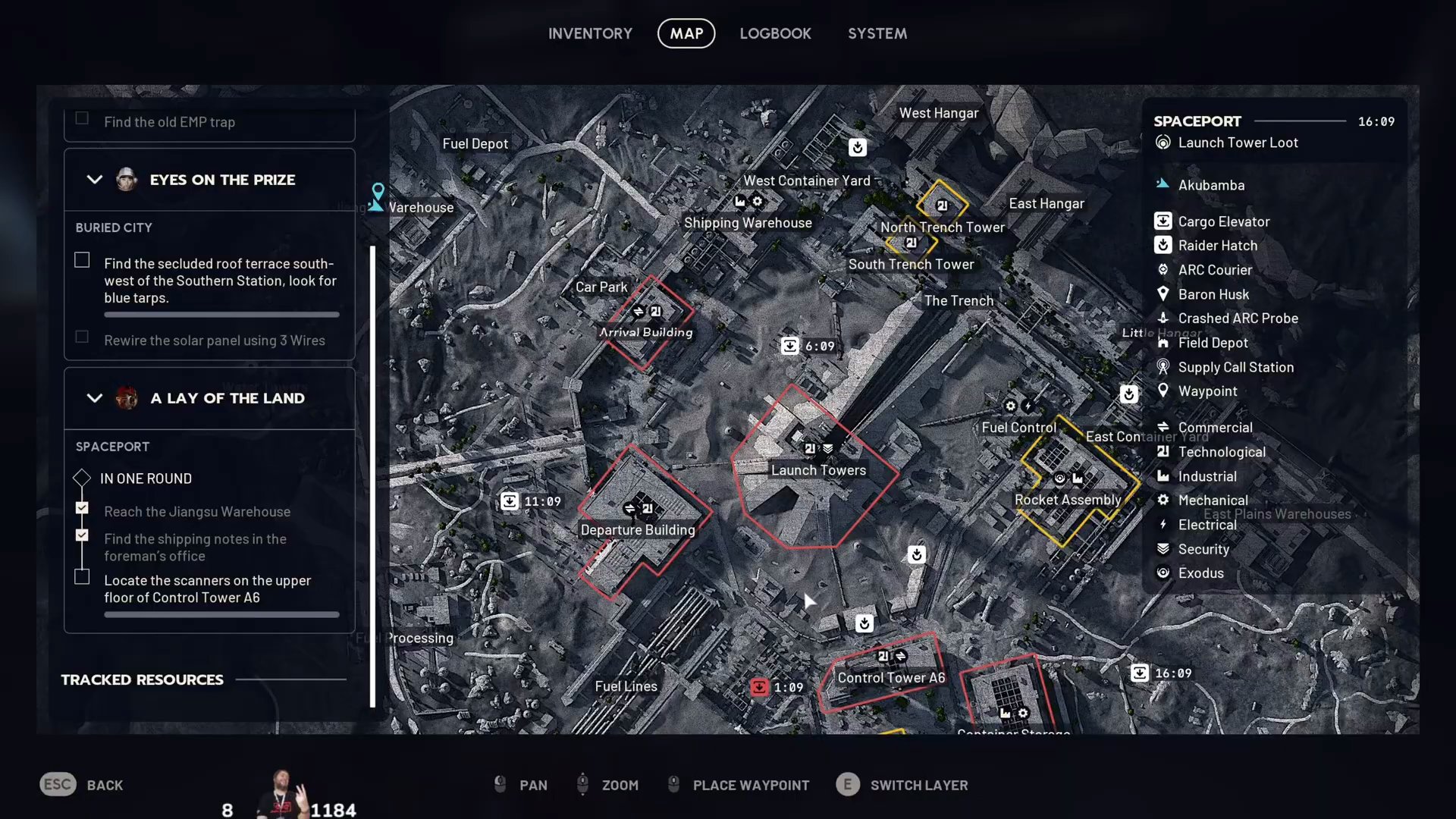
- Make your way to Control Tower A6.
Step 3: Retrieve LIDAR Scanners
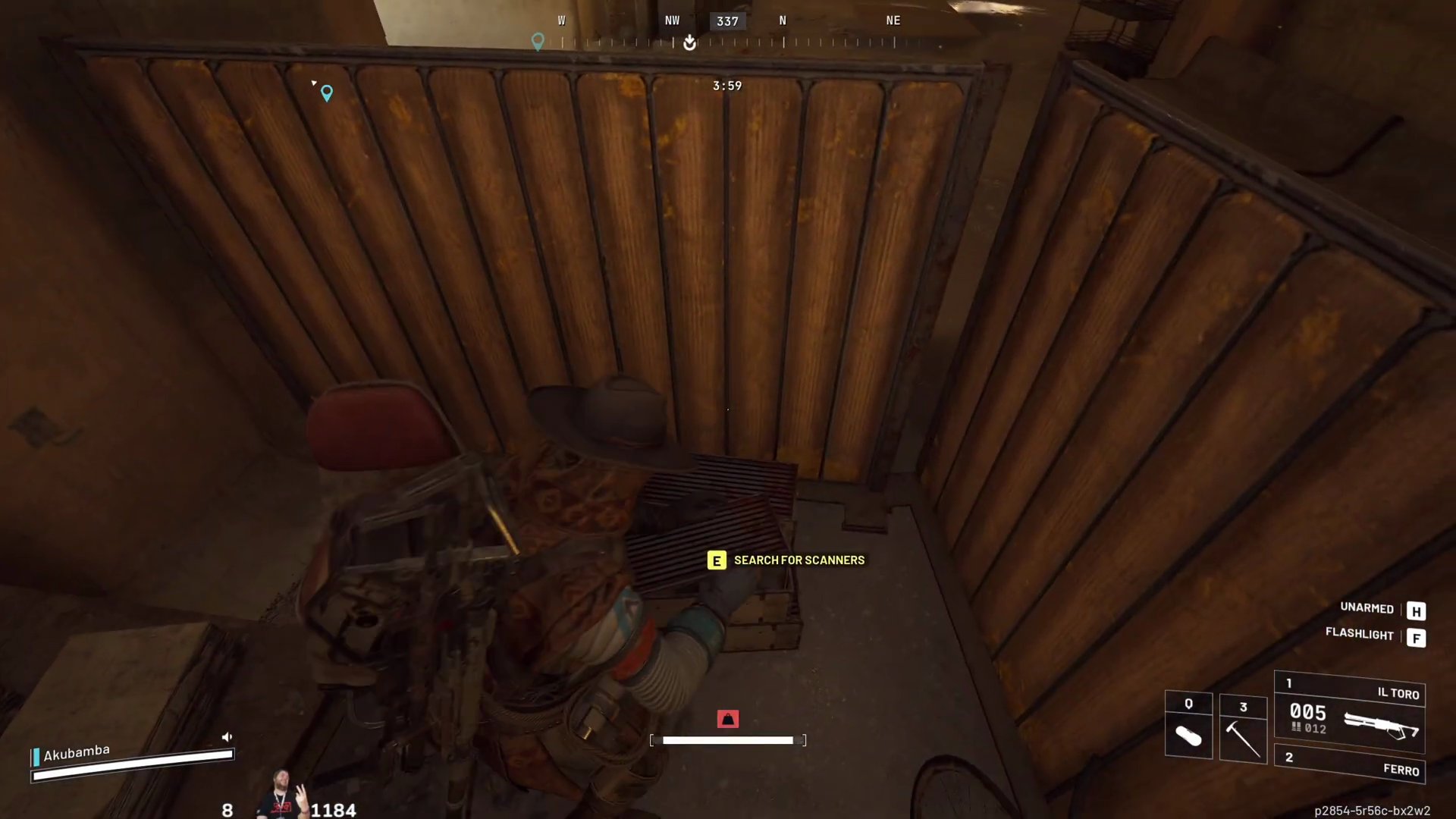
- Once inside Control Tower A6, proceed to the upper floor. There are stairs leading up.
- On the upper floor, around a corner, you will find the LIDAR scanners.
- If your inventory is full, you may need to drop an item to pick up the scanners.
Step 4: Extract with LIDAR Scanners
- Once you have picked up the LIDAR scanners, your objective will update to deliver them to Stani, which requires you to extract from the raid.
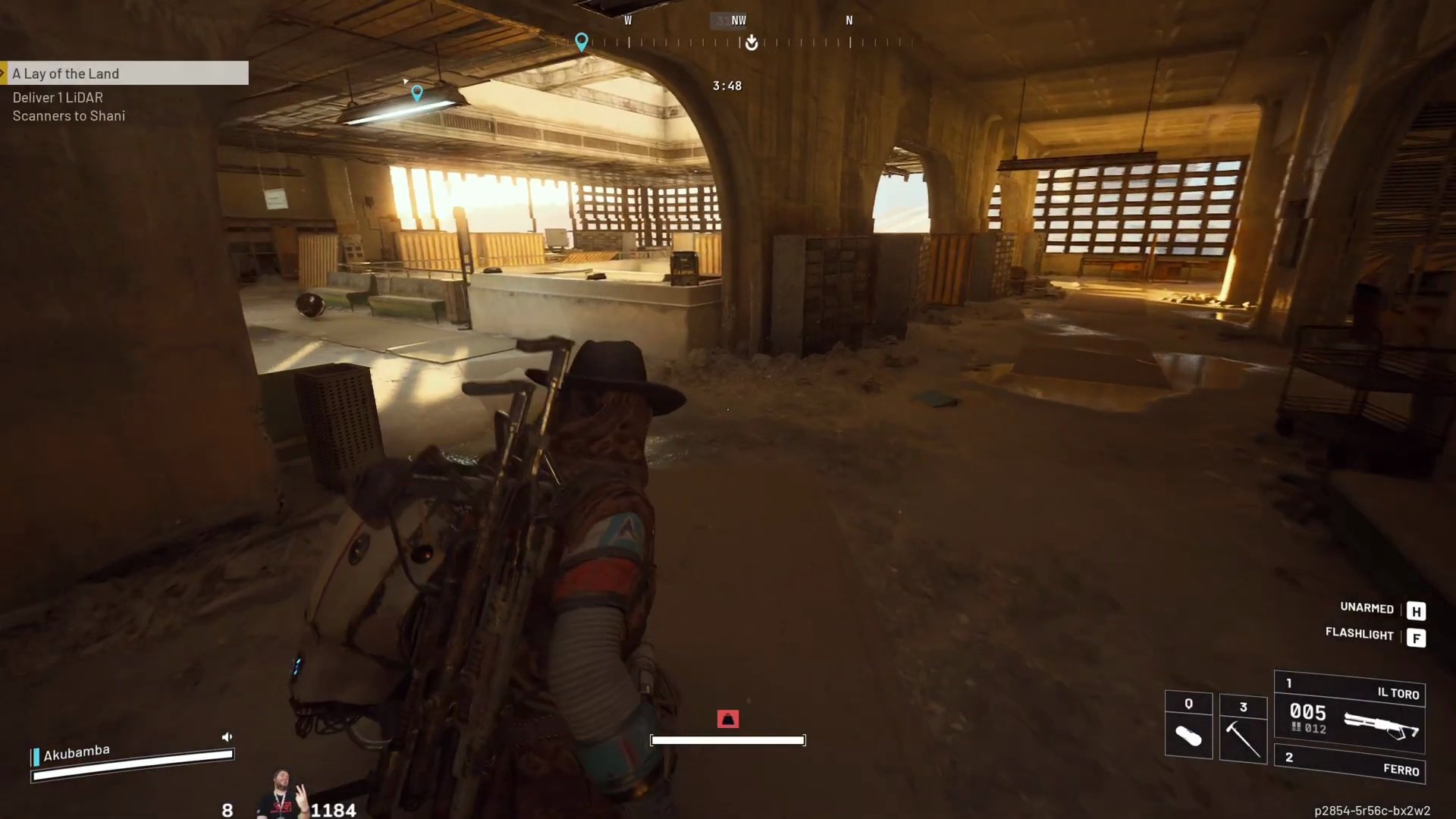
- Find an extraction point and successfully extract to complete the quest.