Quest Guide
Eyes in the Sky
XP: 0
All4nDev
November 4, 2025
Granted Items

Zipline
x1
Rewards
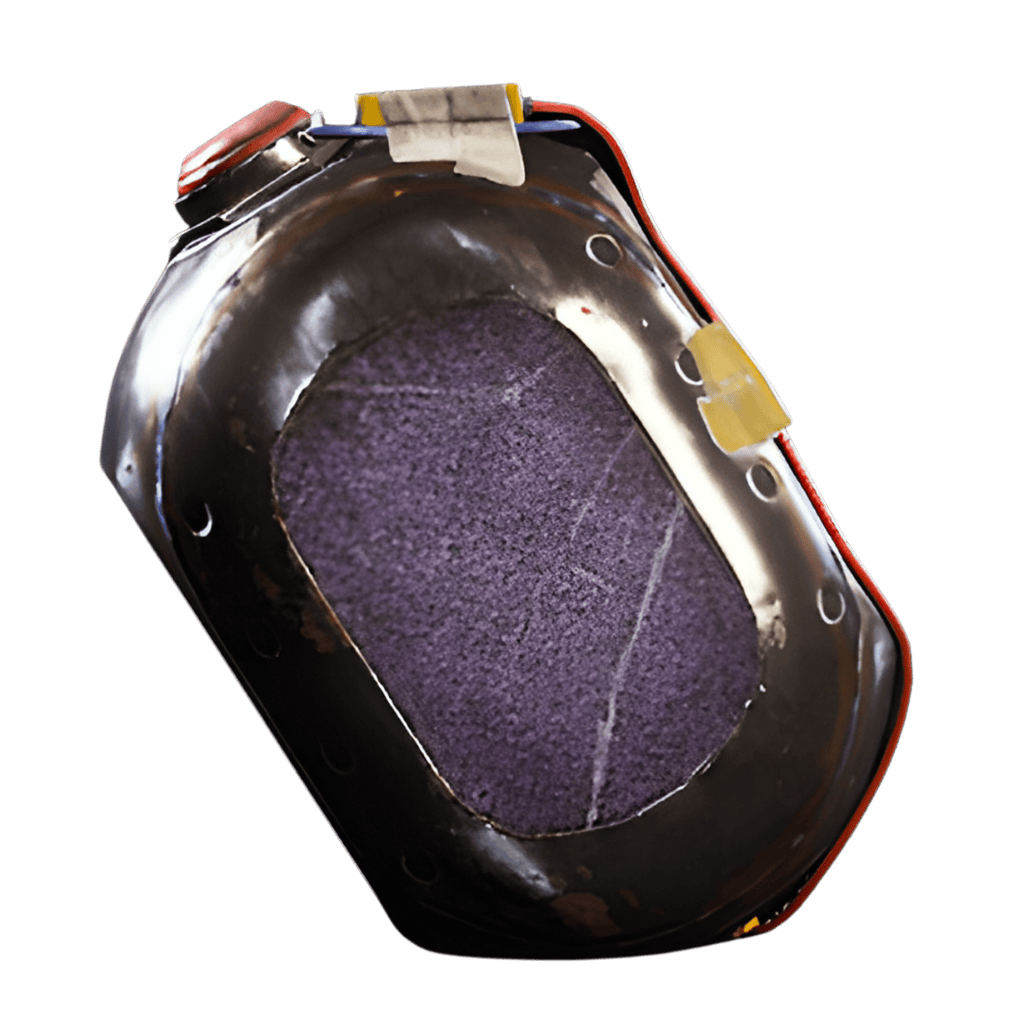
Tagging Grenade
x3
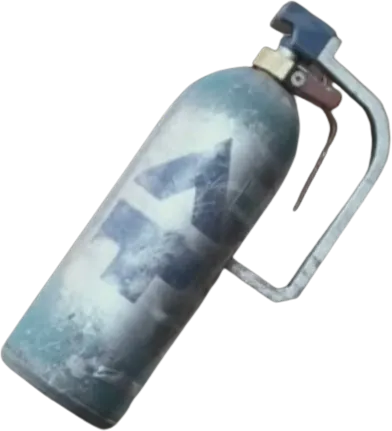
Vita Spray
x1
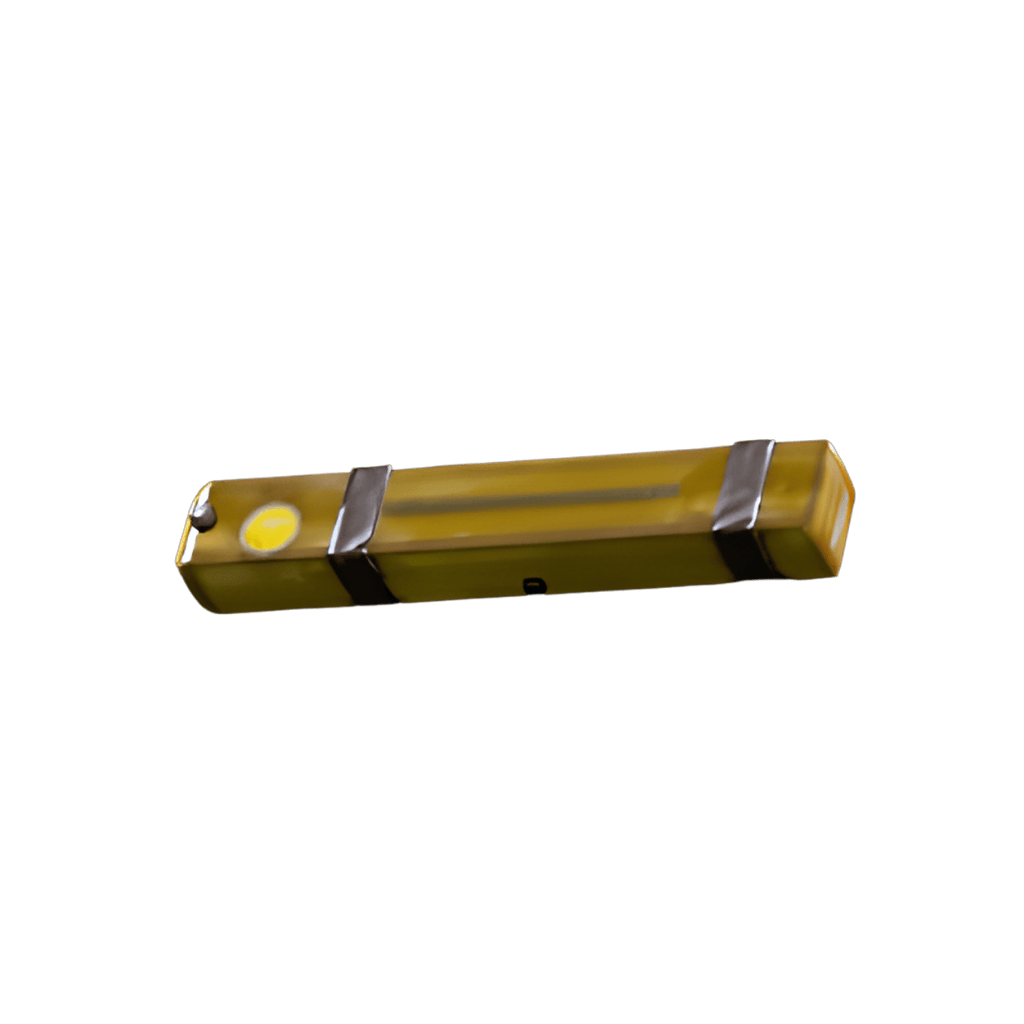
Yellow Light Stick
x5
Overview
The 'Eyes in the Sky' quest requires you to install three Lidar scanners across different areas of the map: Buried City, Dam Battlegrounds, and Spaceport. This guide will walk you through each location and the process of placing the scanner.
Step 1: Buried City Galleria Lidar Scanner
This is the first location for installing a Lidar scanner. Note you will need to bring a zipline. You can craft or buy these, or get lucky on a free loadout
- Open your map and locate the Galleria building in Buried City. It's marked as a commercial building.
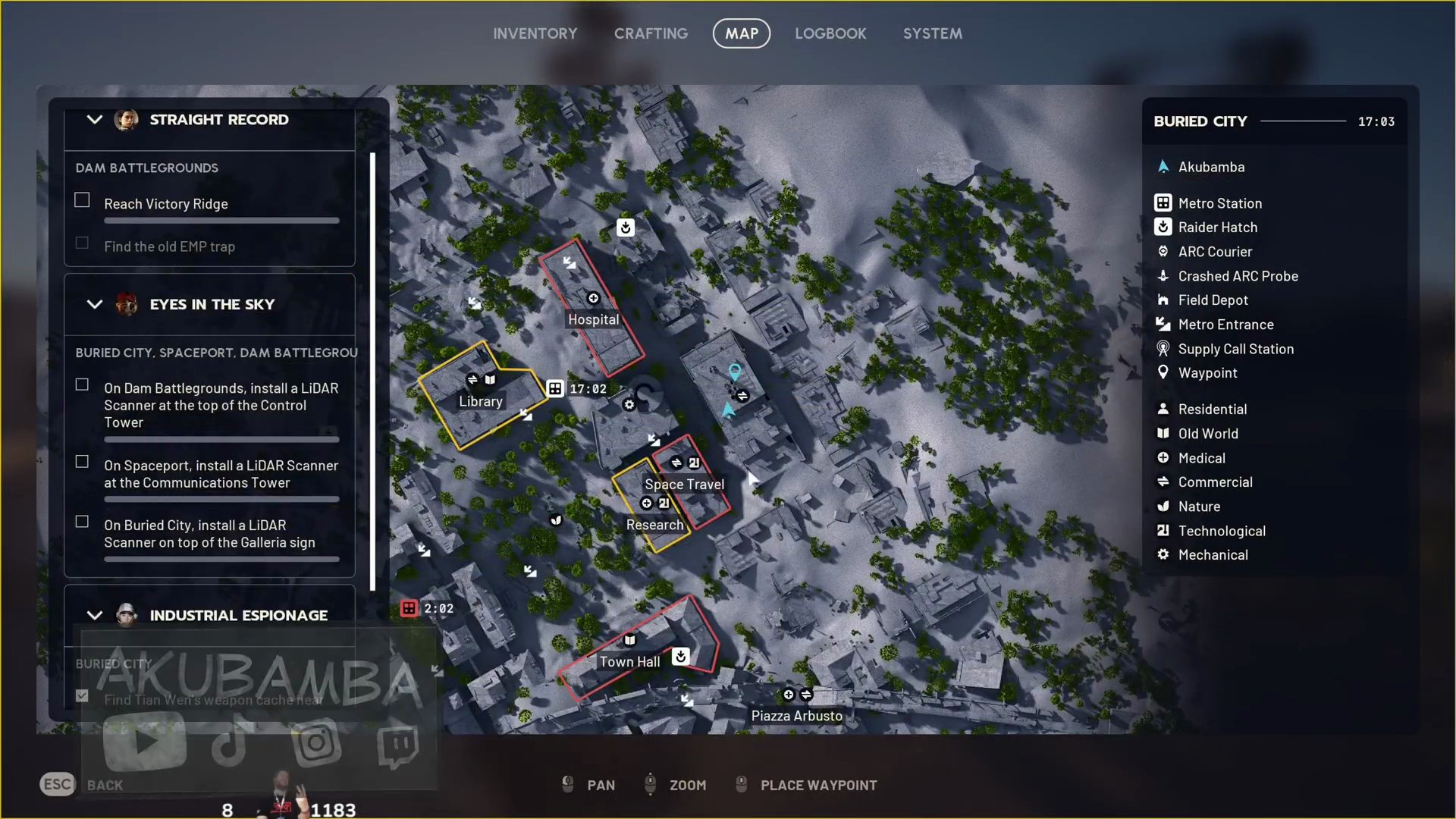
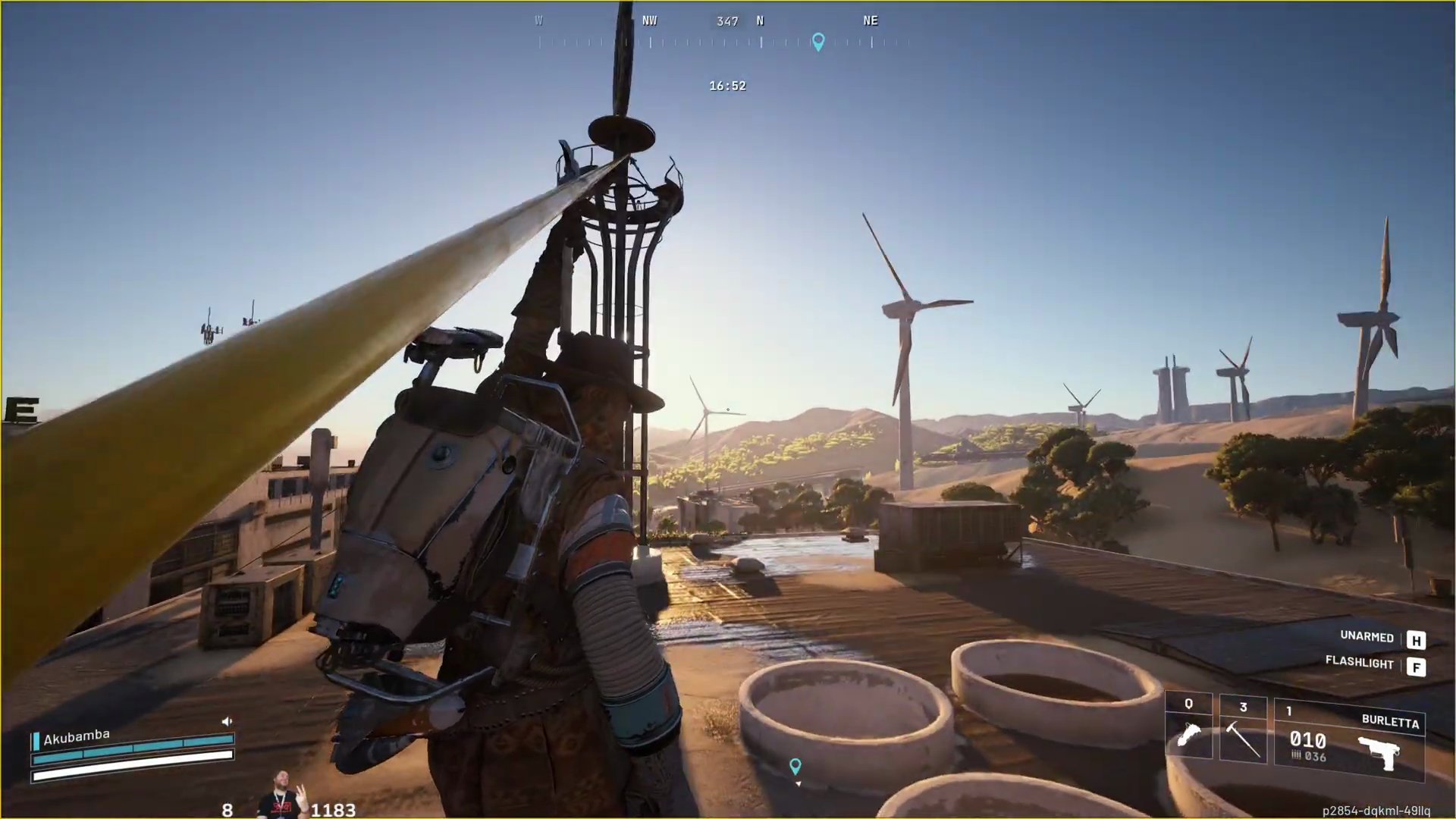
- To reach the top of the Galleria, you will need to use a zipline. Carefully place your zipline launcher to ascend to the higher levels of the building.
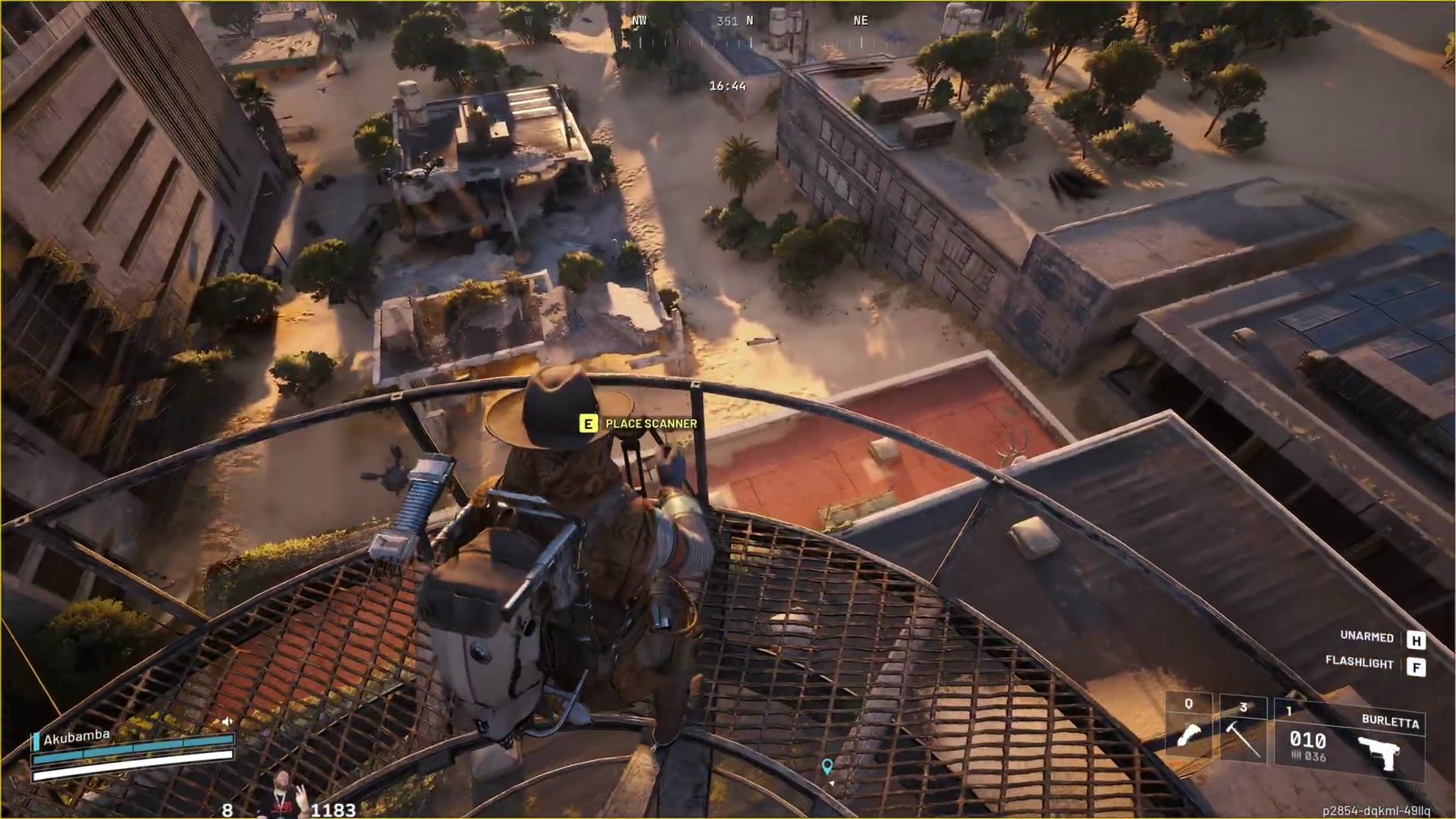
- Once on the top platform, navigate to the designated spot marked for scanner placement.
- Interact to place the Lidar scanner.
Step 2: Dam Battlegrounds Control Tower Lidar Scanner
The second scanner needs to be installed at the Control Tower in Dam Battlegrounds.
- Access your map and find the Control Tower location in Dam Battlegrounds.
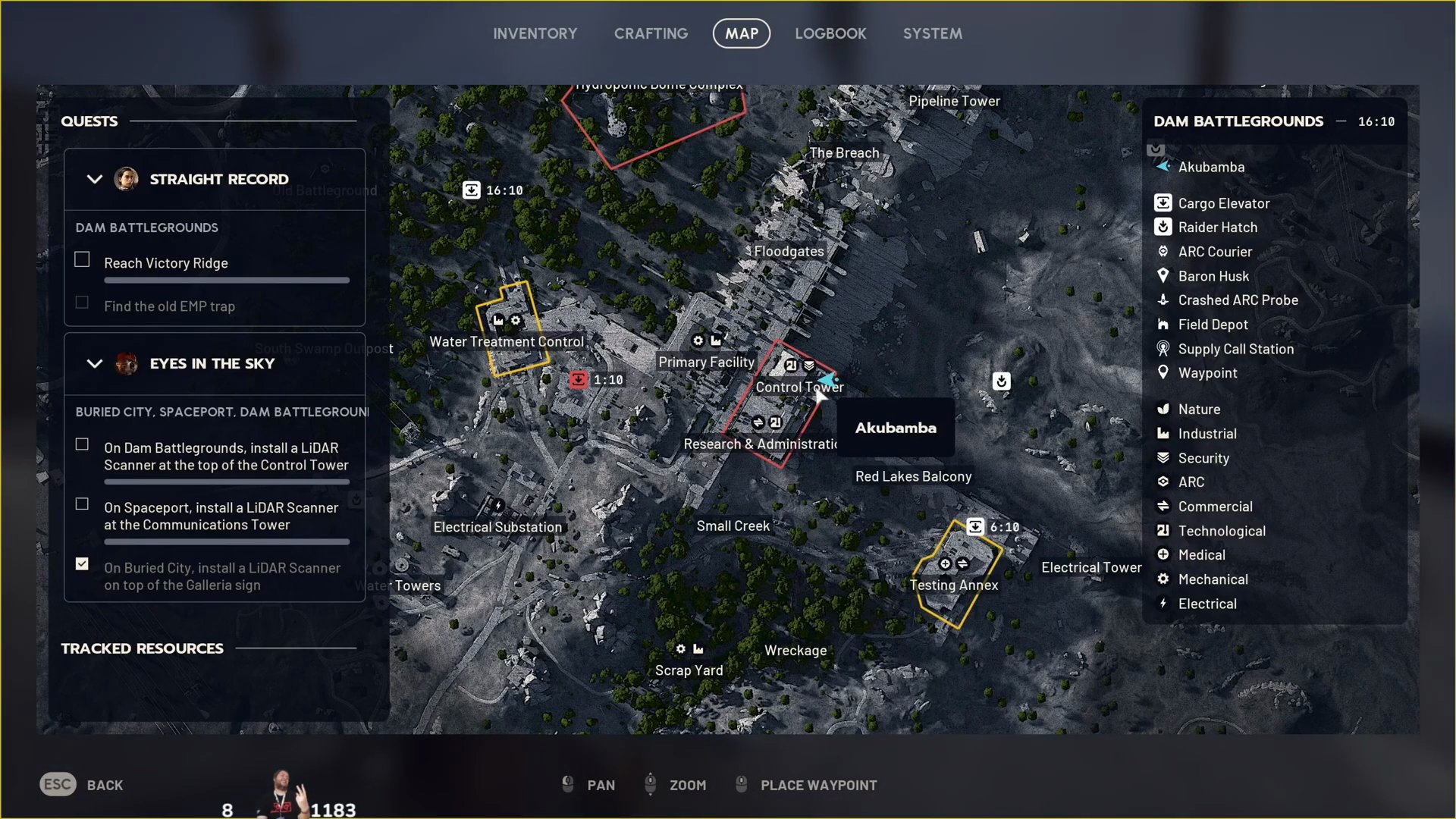
- Head to the Control Tower. You'll need to use the elevator shaft to get to the top, being mindful of any turrets.
- Once on the rooftop, clear any enemy resistance, including the 'bullies' (heavy enemies).
- Proceed to the corner of the rooftop where you will find the placement spot for the scanner.
- Install the Lidar scanner.
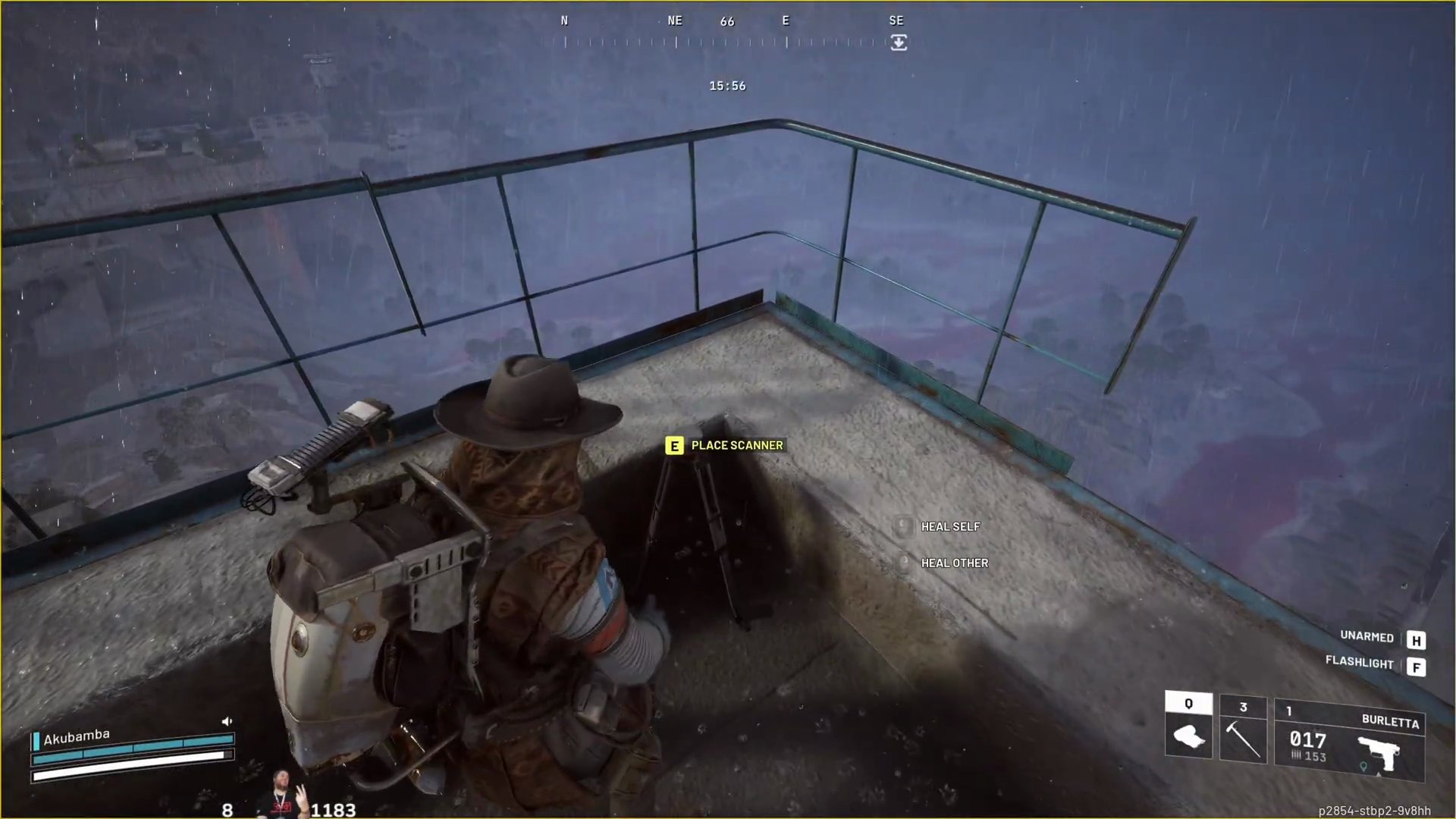
Step 3: Spaceport Communications Tower Lidar Scanner
The final scanner is located at the Communications Tower in Spaceport.
- Open your map and pinpoint the Communications Tower within the Spaceport area, located on the far east side.
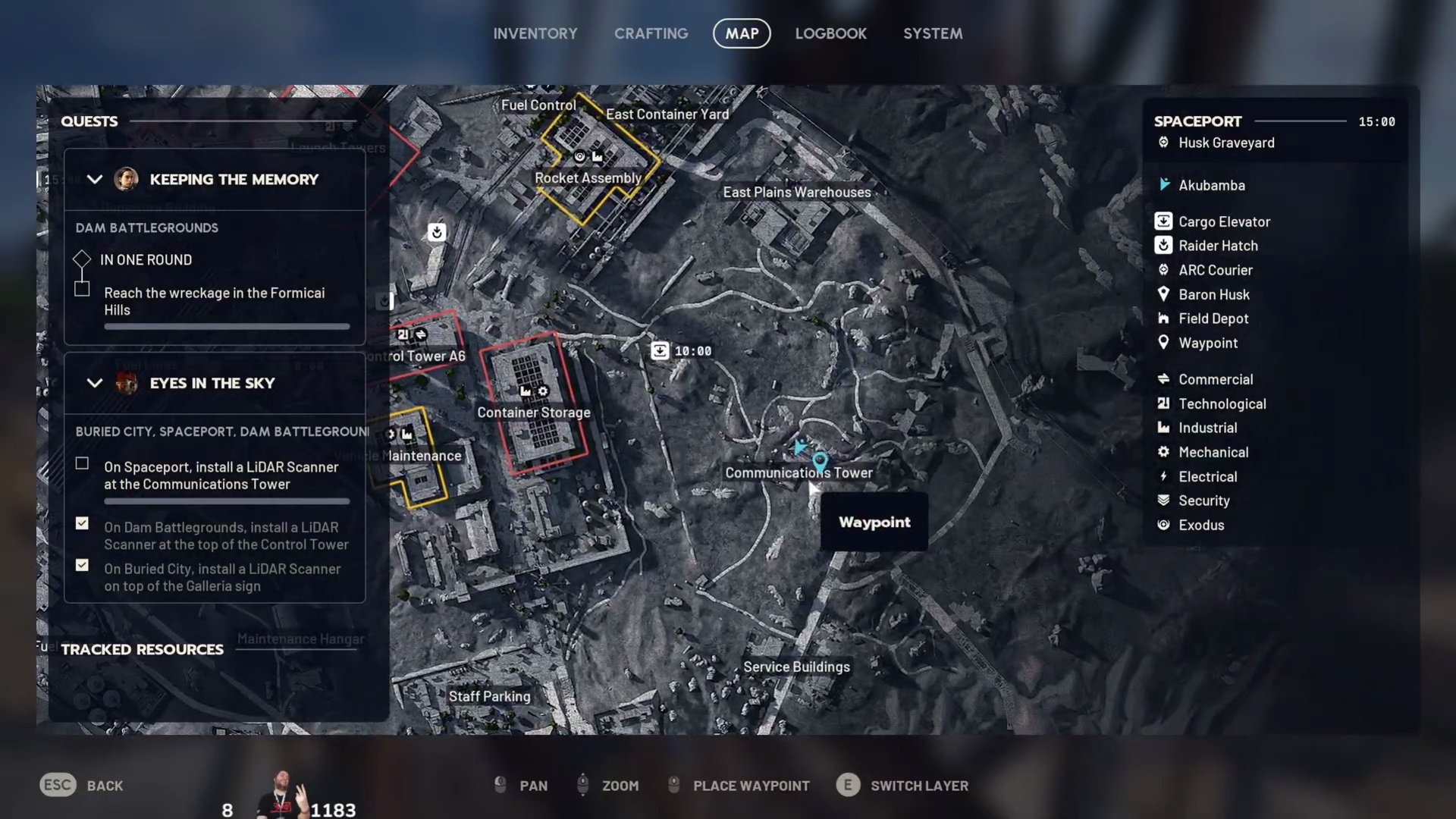
- Reach the base of the tower and begin your ascent.
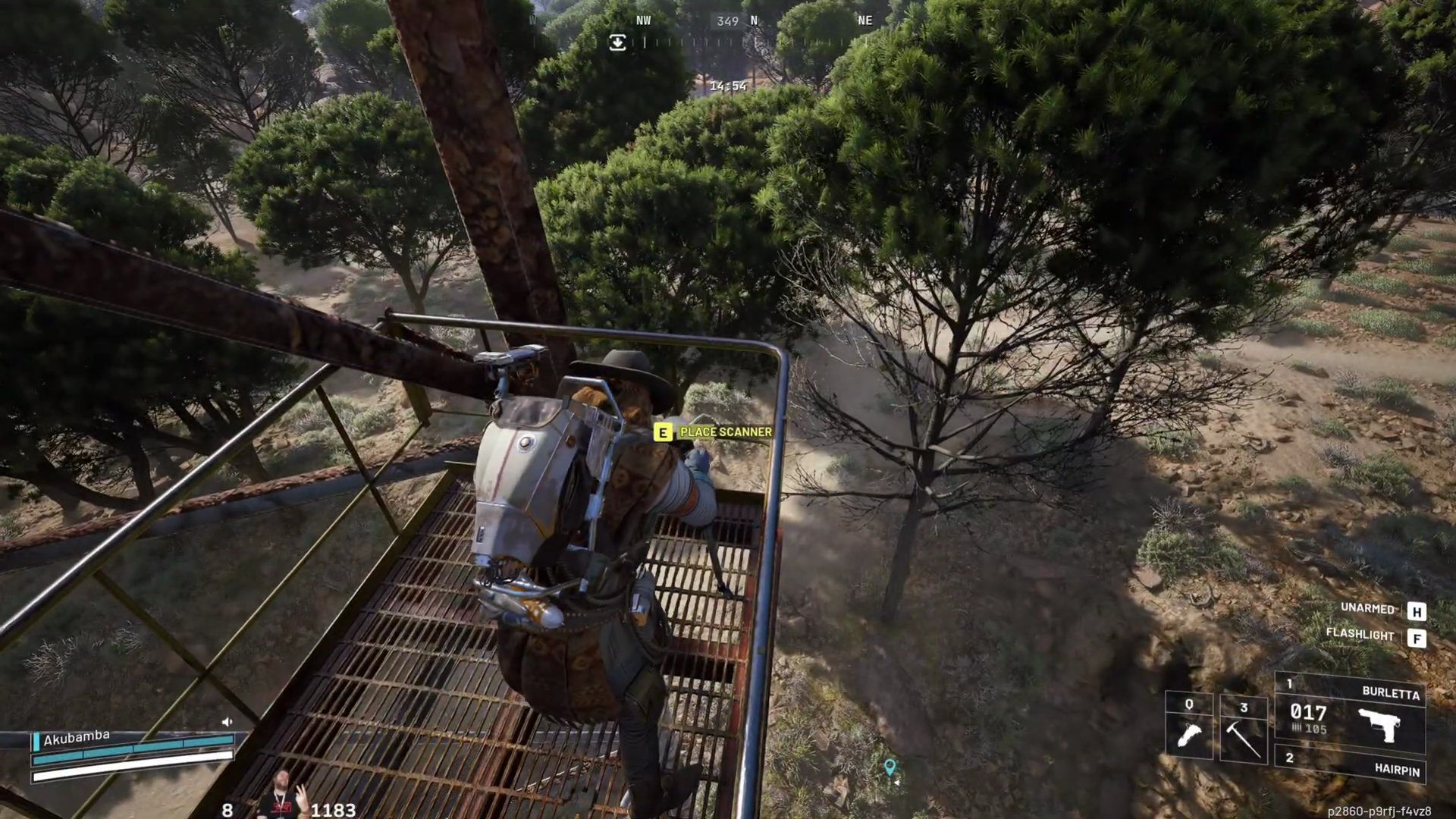
- Climb the ladders to reach the top platform of the Communications Tower. [SCREENSHOT:01:08]
- At the top, locate the marked spot for the scanner installation.
- Place the final Lidar scanner to complete the quest.