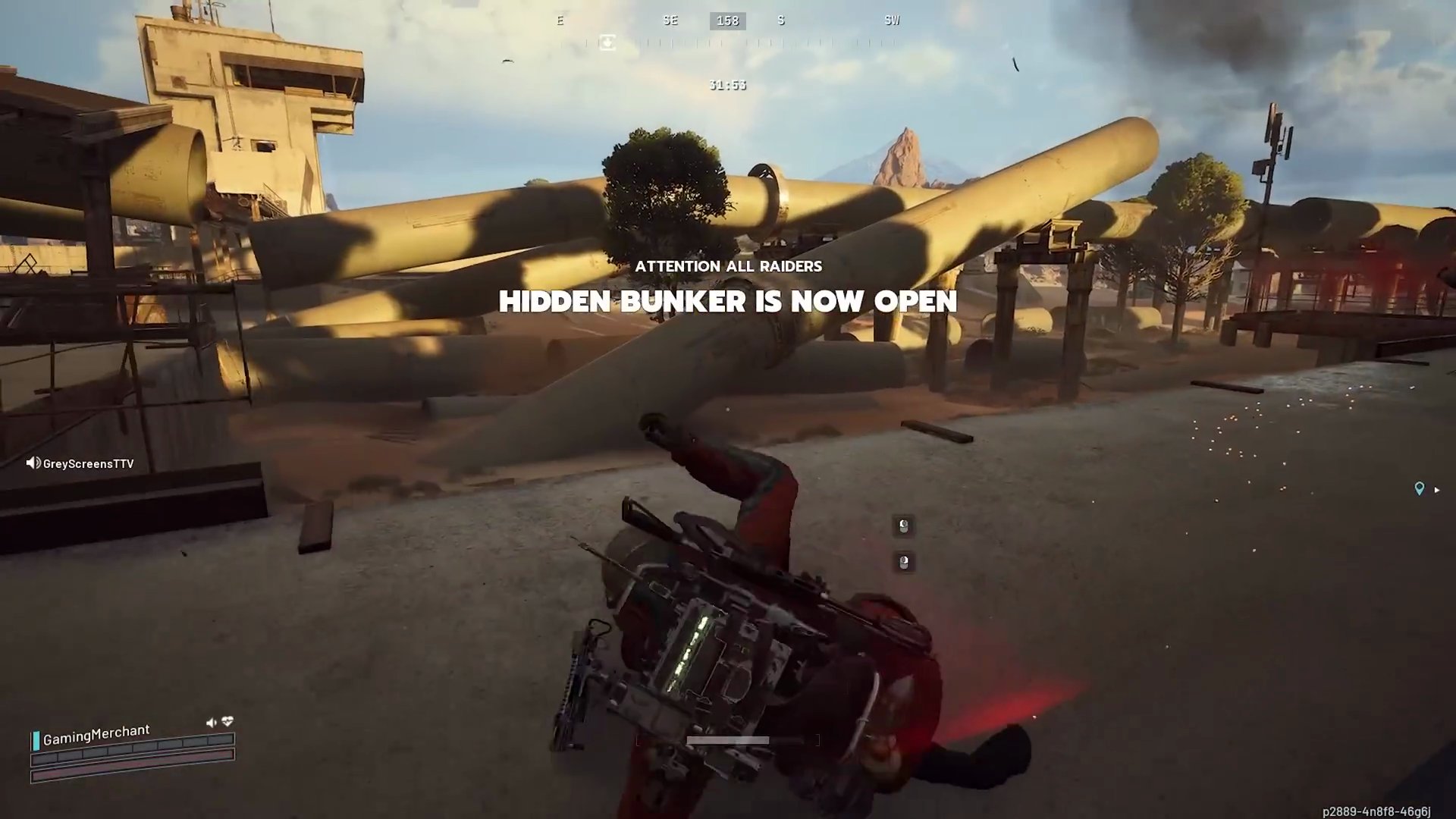
Hidden Bunker Event Location Spaceport
This guide provides a detailed walkthrough for activating the hidden bunker event in Spaceport, including antenna activation, accessing the bunker, and understanding the data download consoles inside. It also covers tips for dealing with enemies and navigating the environment.
Overview: Hidden Bunker Event
The Hidden Bunker event in Spaceport is an ongoing puzzle that requires activating multiple antennas across the map to open a secret bunker. Inside, players can download data from consoles for XP, with a possible deeper puzzle involving coordinated activation.
Step 1: Activating the Antennas
The first stage of the Hidden Bunker event involves activating four antennas located across the Spaceport map. Each antenna must be activated to successfully open the bunker.
- Locate the bunker entrance, typically in a set location on the map.
- When a match loads with the Hidden Bunker event, four antennas will appear around the map.
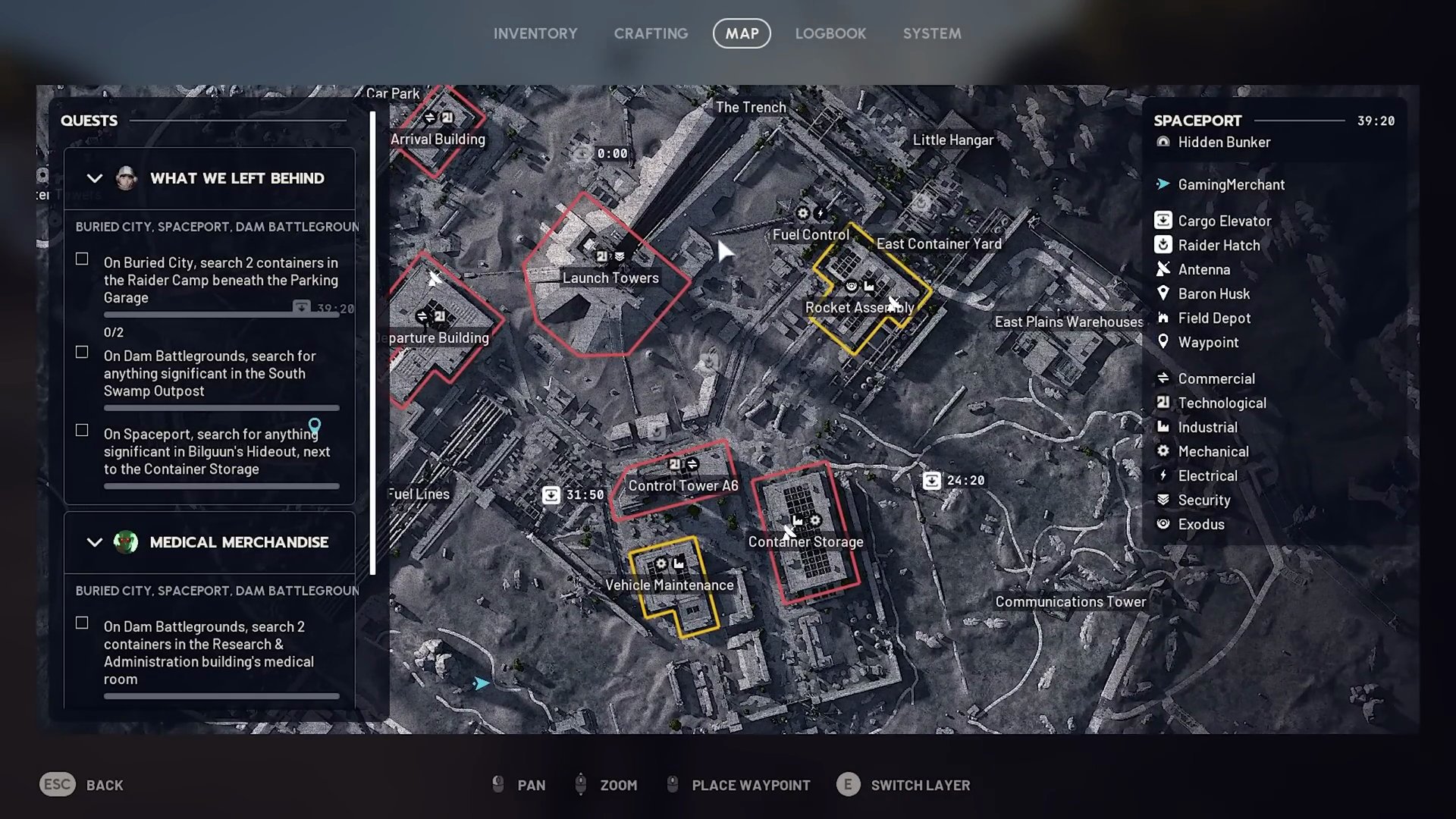
- It's recommended to start by activating the antennas in the furthest corners of the map and gradually work your way towards the antenna closest to the bunker entrance.
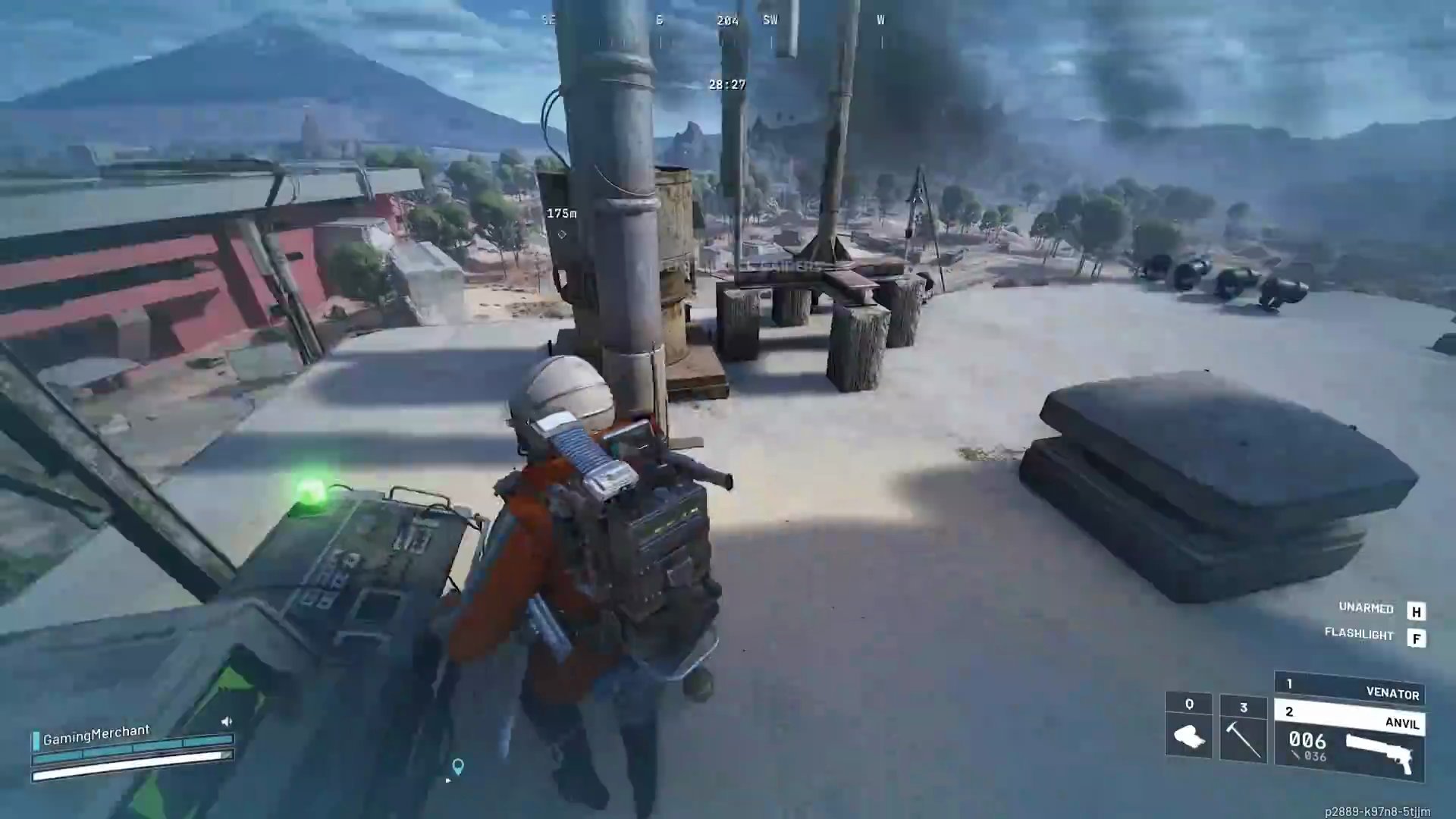
- To activate an antenna, you need to climb to its rooftop. Many antennas are inaccessible without a zipline.
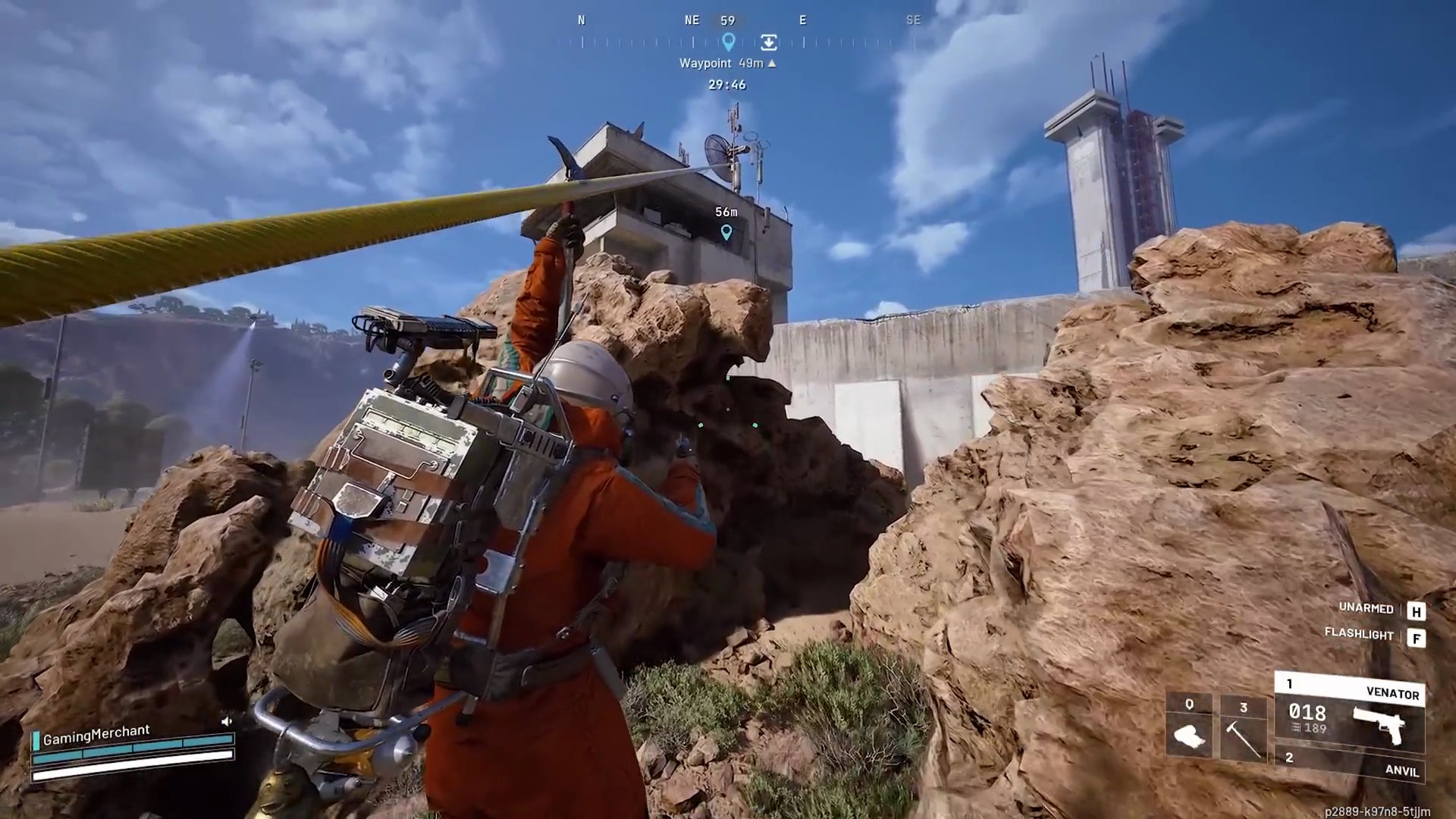
- Ensure your Utility Bench is upgraded to Level 2 to craft ziplines. You'll need rope for this.
- Once on the roof, locate and activate the data console. [SCREENSHOT:01:23]
- After activating the console, a wave of ARC enemies (wasps, hornets, rocketeers) will spawn. Be prepared with healing items like Wolfpacks.
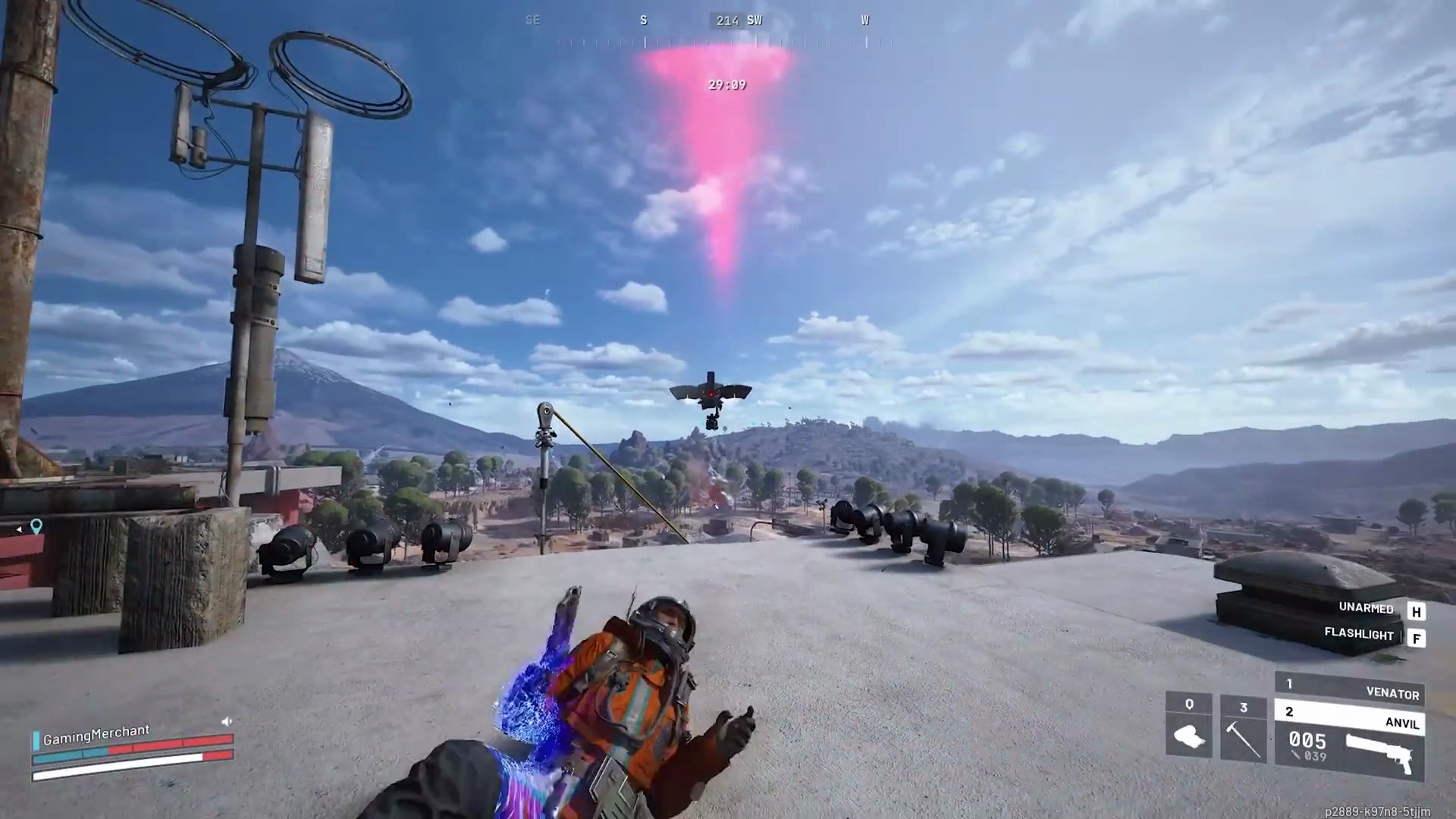
- Allow the data download to complete, then interact with the console again to finalize the process.
- Repeat this process for all four antennas across the map. Once the last antenna is activated, a message will appear indicating the 'Hidden Bunker is Now Open'.
Step 2: Accessing the Hidden Bunker
Once all four antennas are activated, the hidden bunker entrance will be accessible. To the left of the departure building. A dash to the bunker will be necessary, as other players might also be heading there.
- Head towards the bunker entrance as quickly as possible.
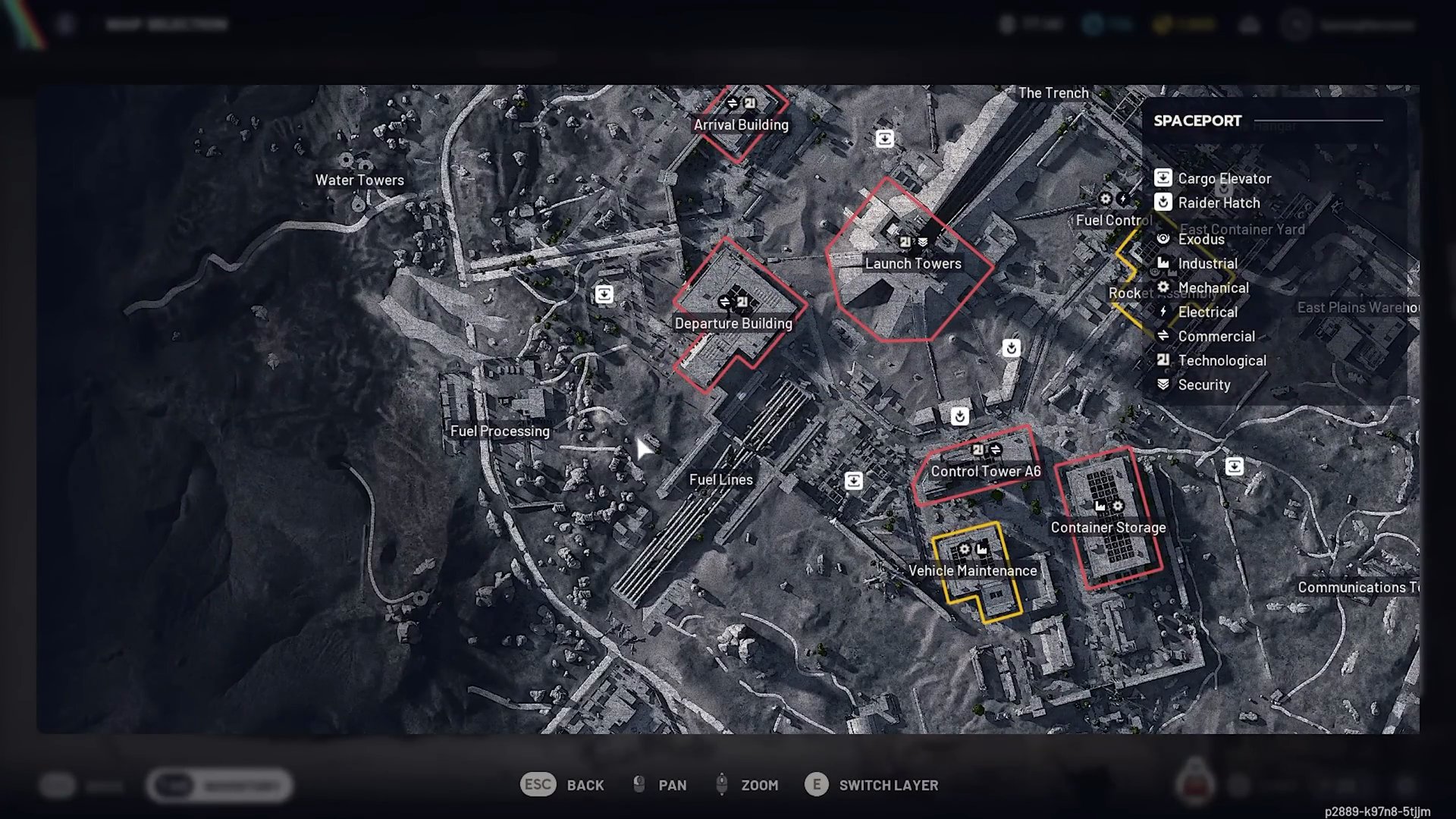
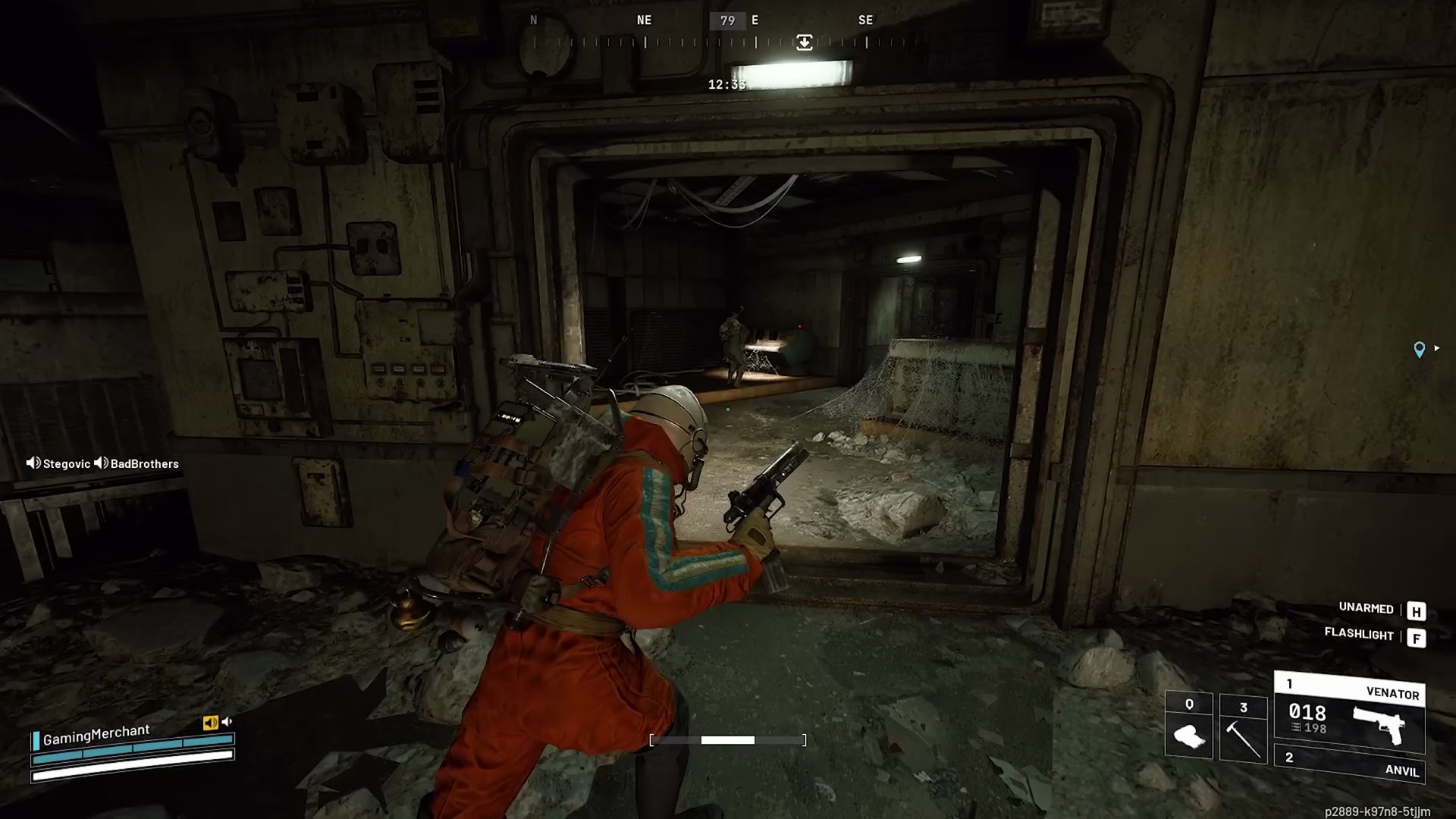
- Be aware of potential PvP encounters, as multiple players will likely be rushing to the bunker.
- The area around the bunker entrance may be guarded by enemies like Bombardiers and Bastions. One particular Bastion has been observed shooting through walls, which might be a bug. Try to avoid engaging it directly if possible.
Step 3: Data Downloads and Potential Secrets
Inside the bunker, you'll find a circular layout with several data consoles. Each console offers an XP reward for downloading data, but there's an ongoing community theory about a deeper puzzle.
- Navigate the circular corridors of the bunker.
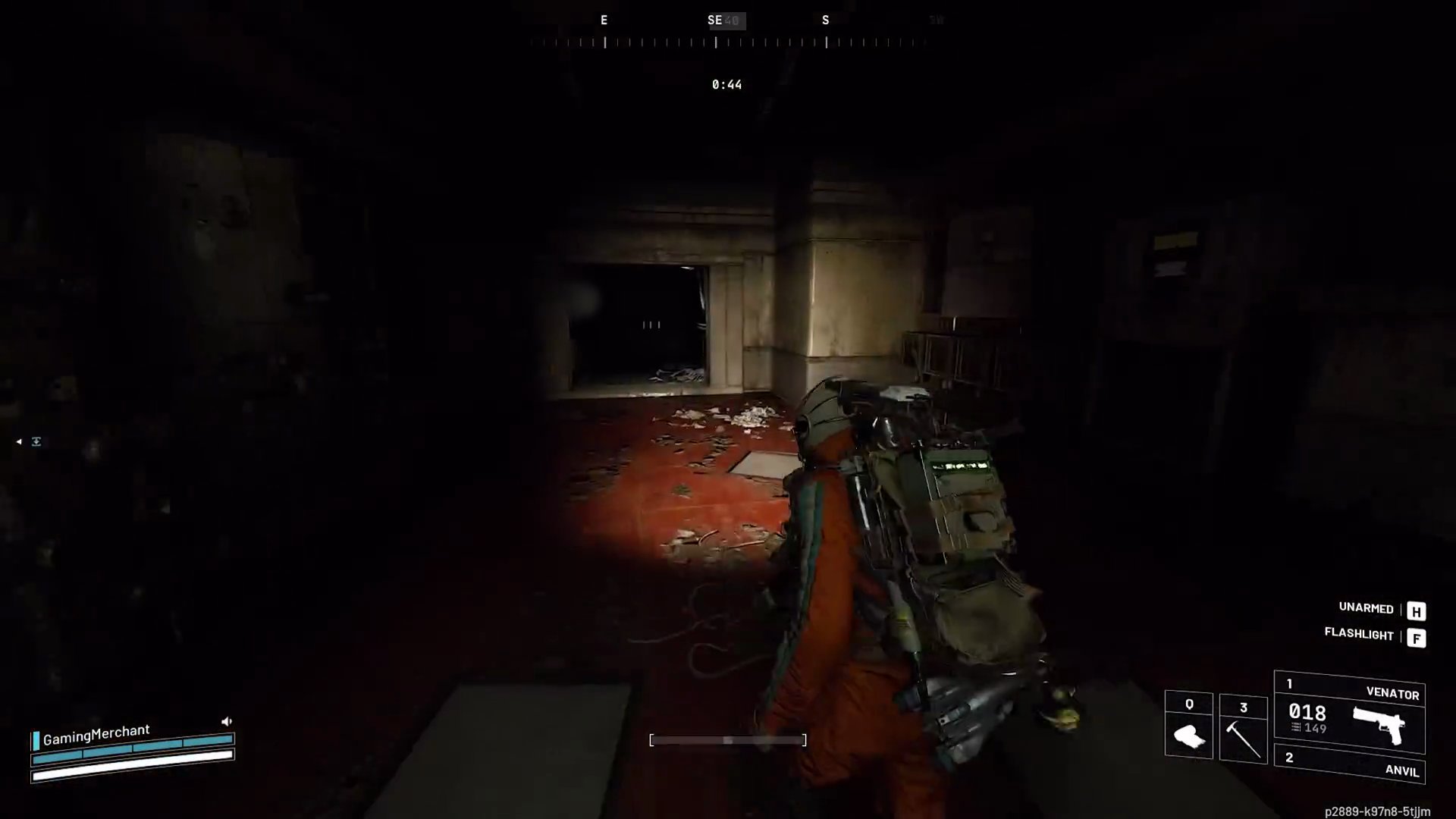
- There are approximately seven or eight data consoles inside the bunker.
- To start a data download, interact with a console. You must 'Stay close to continue download'. If you move away, the download will fail.
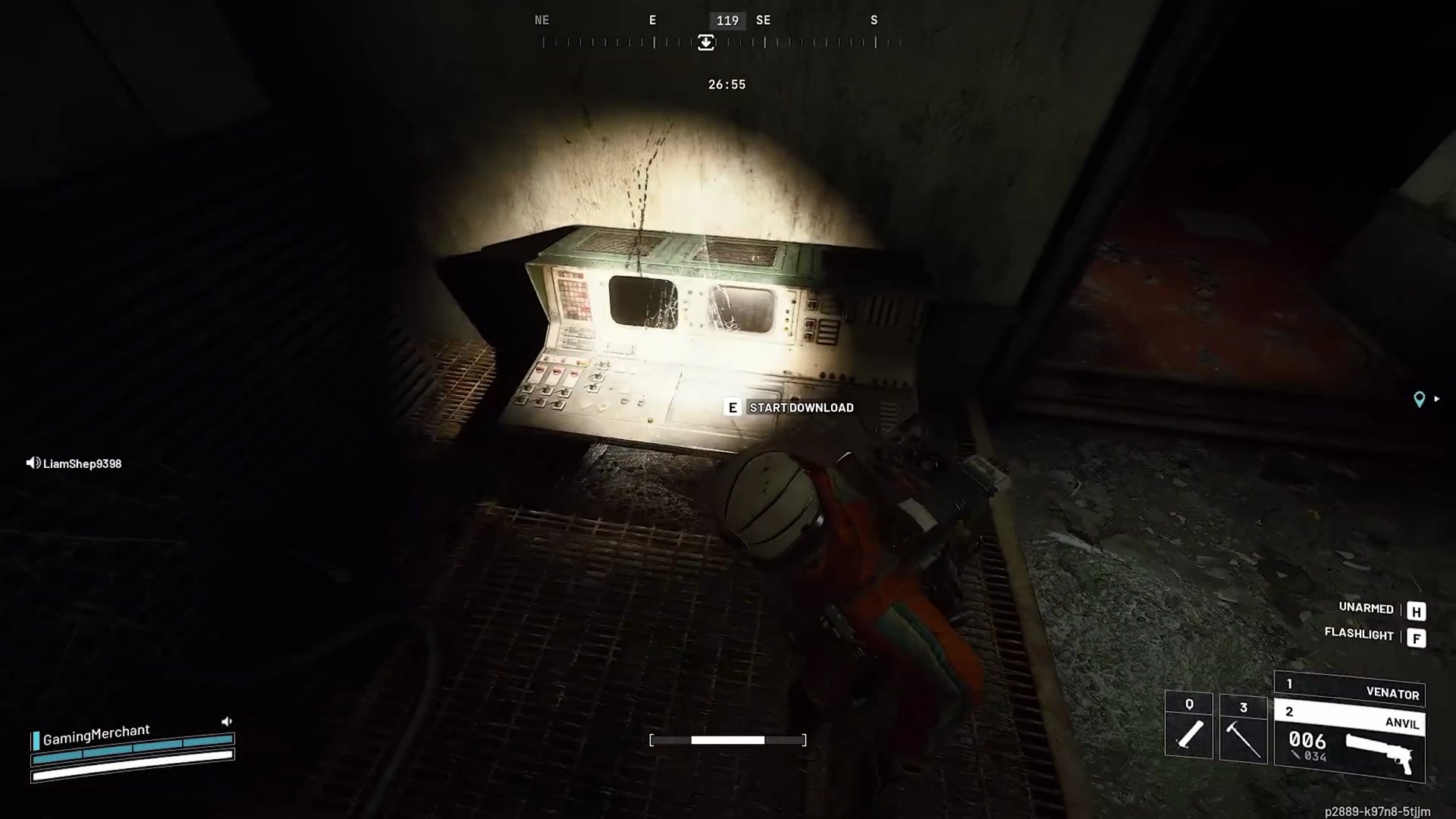
- Upon successful completion, the console will briefly display a green light and award you 500 XP.
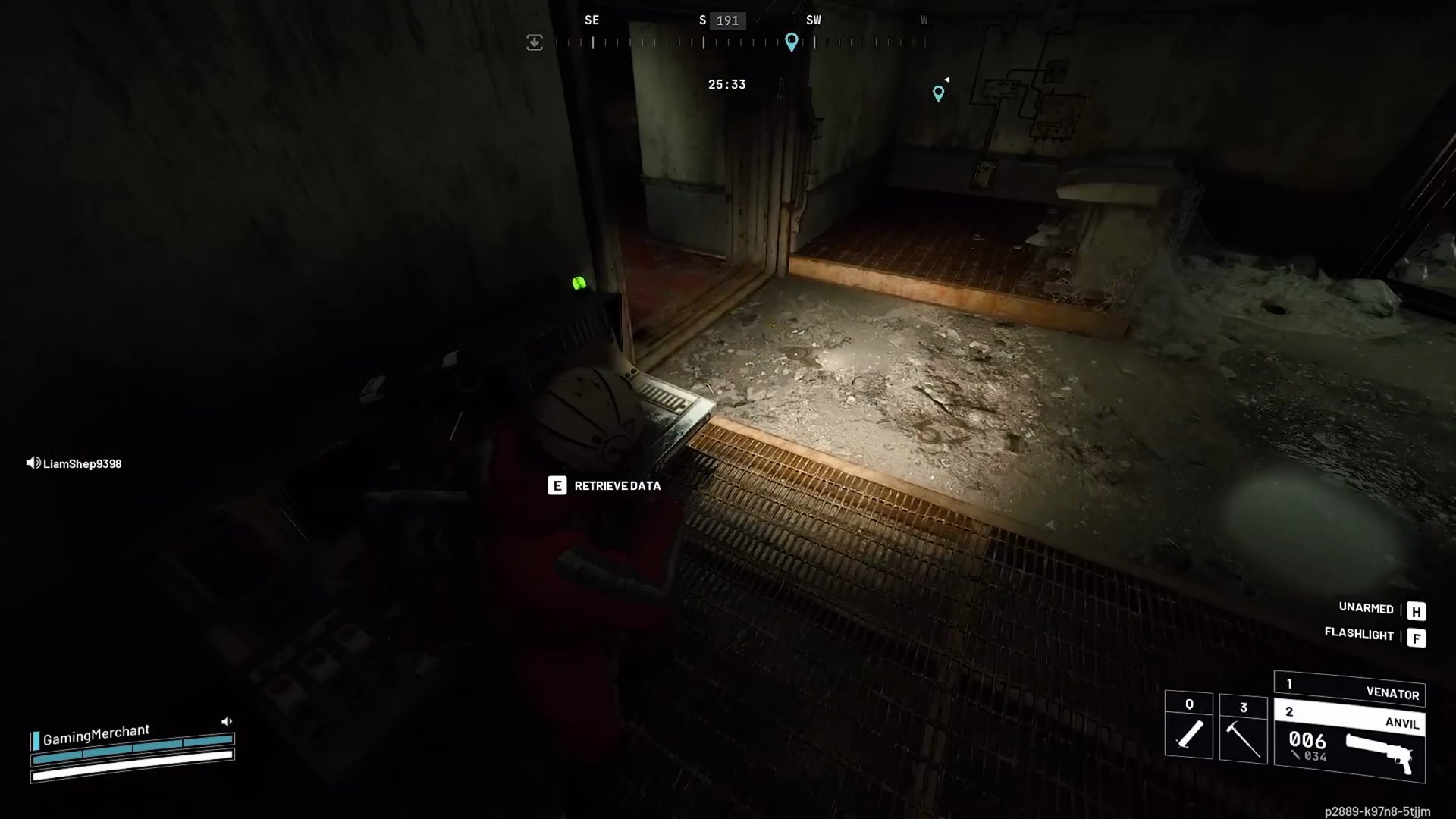
- If you leave the console before the download is complete, it will get a red light and reset, allowing you to try again.
- **Community Theory:** It is theorized that activating all data consoles simultaneously with multiple players might unlock a secret area or trigger a special event.
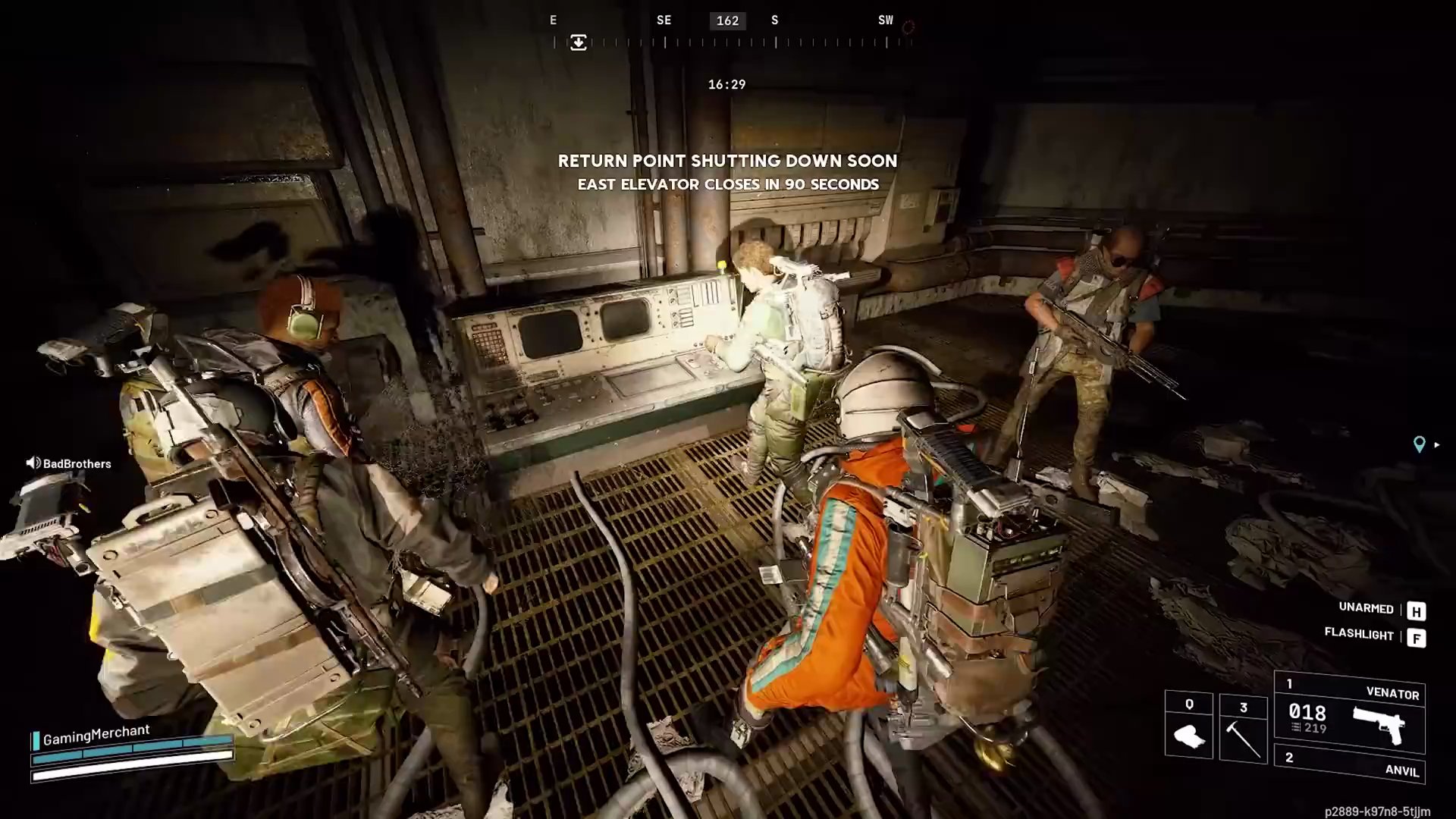
- This requires significant coordination, ideally with 7-8 players, each standing by a console and activating it at the exact same time (e.g., at a specific countdown timer mark). Due to potential glitches or timing issues, this can be challenging to execute.
Important Considerations and Tips
- **Zipline Usage:** Always place ziplines at the very top of buildings to avoid falling.
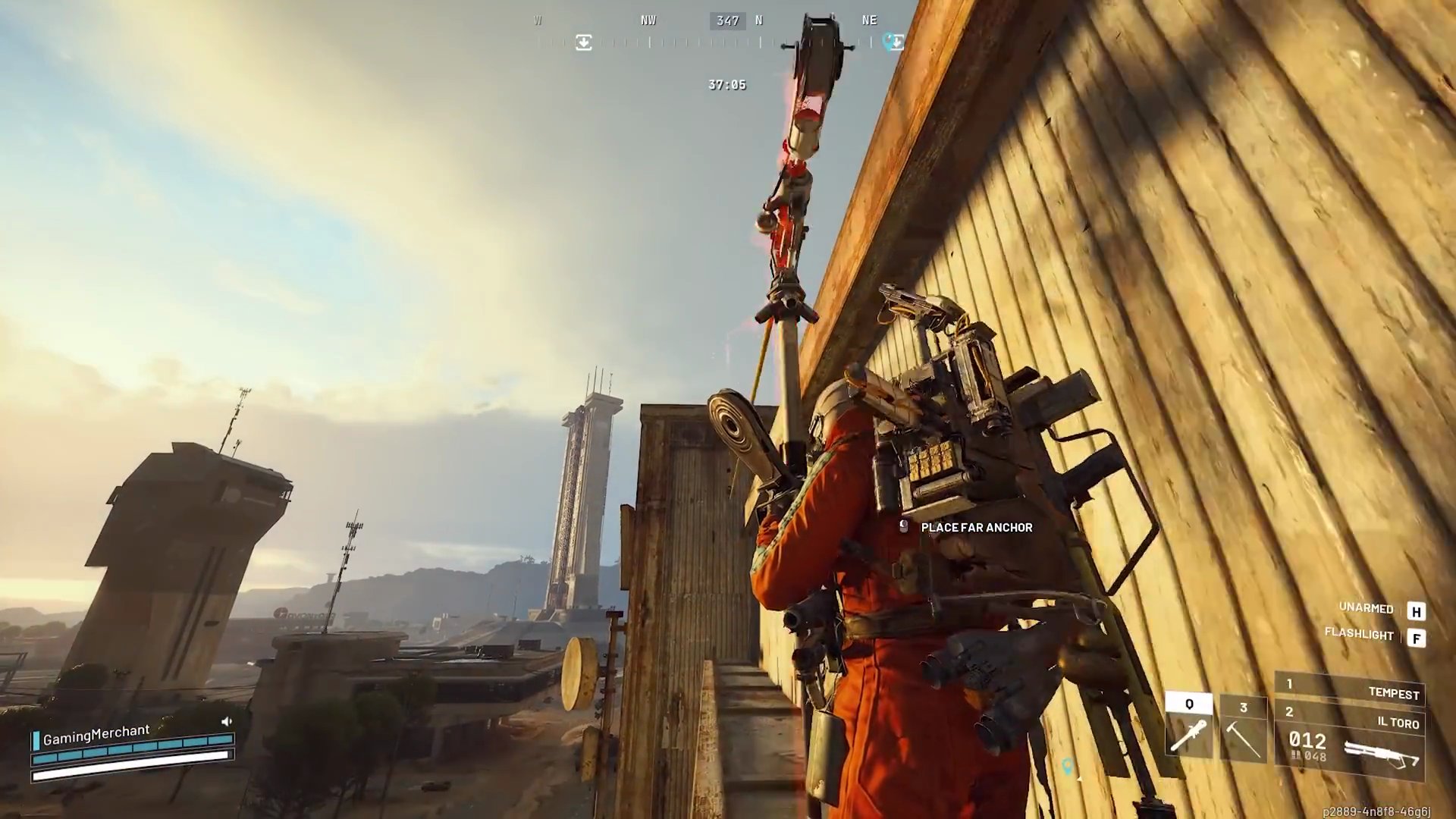
- **Zipline Collisions:** Avoid riding a zipline if another player is already on it, as collisions can lead to elimination.
- **Bunker Loot:** The bunker contains numerous lootable containers, including weapon and ammo crates.