Quest Guide
With A Trace
This guide details the steps to complete the 'With A Trace' mission on the Blue Gate map in Arc Raiders, including reaching the Barren Clearing and inspecting key wreckage elements.
All4nDev
December 9, 2025
Overview
The 'With A Trace' mission involves two primary objectives on the Blue Gate map: reaching the Barren Clearing and finding signs of who brought down the ARC machines. Completing these steps will lead you through key locations and interactions within the map.
Step 1: Start the Mission & Prepare
- Accept the 'With A Trace' quest from your quest log.
- Queue up for the 'Blue Gate' map. The time of day or ongoing event (day, night, or electromagnetic storm) does not affect this mission.
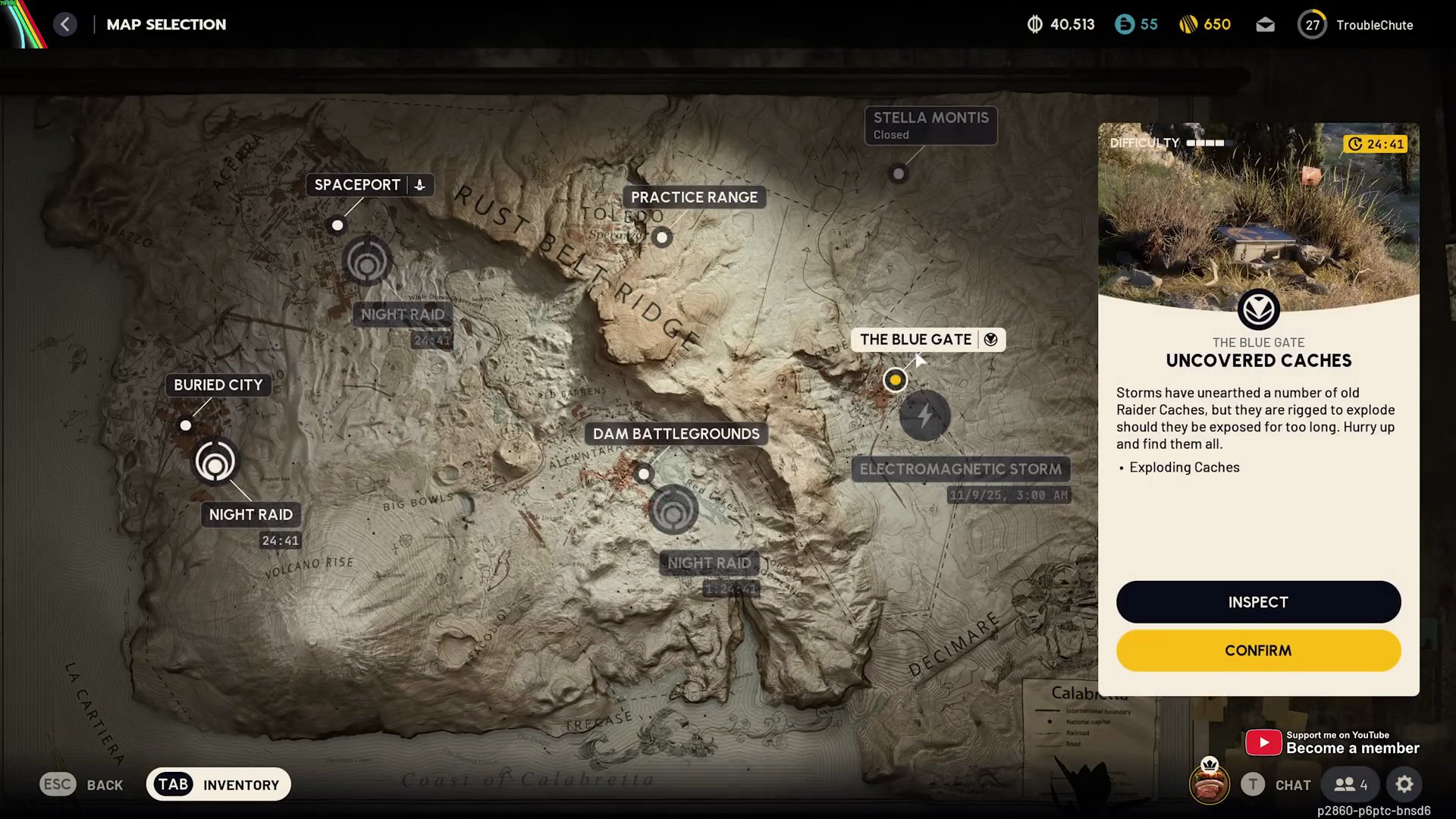
- It is recommended to use a free loadout as this map can be quite PvP-heavy.
Step 2: Reach the Barren Clearing
- Navigate towards the 'Barren Clearing' area.
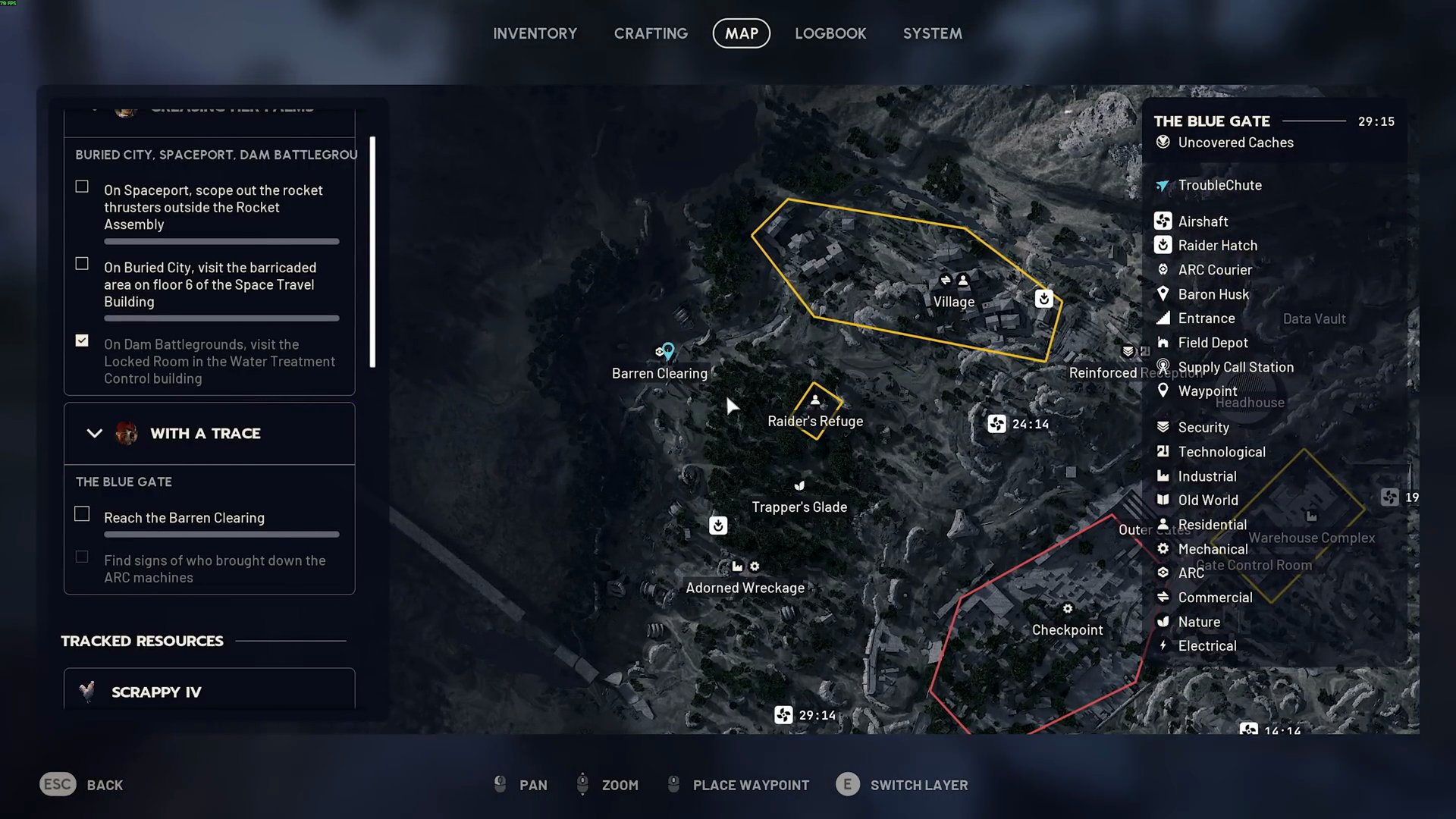
- Upon entering the designated area of the Barren Clearing, the first objective will be completed.
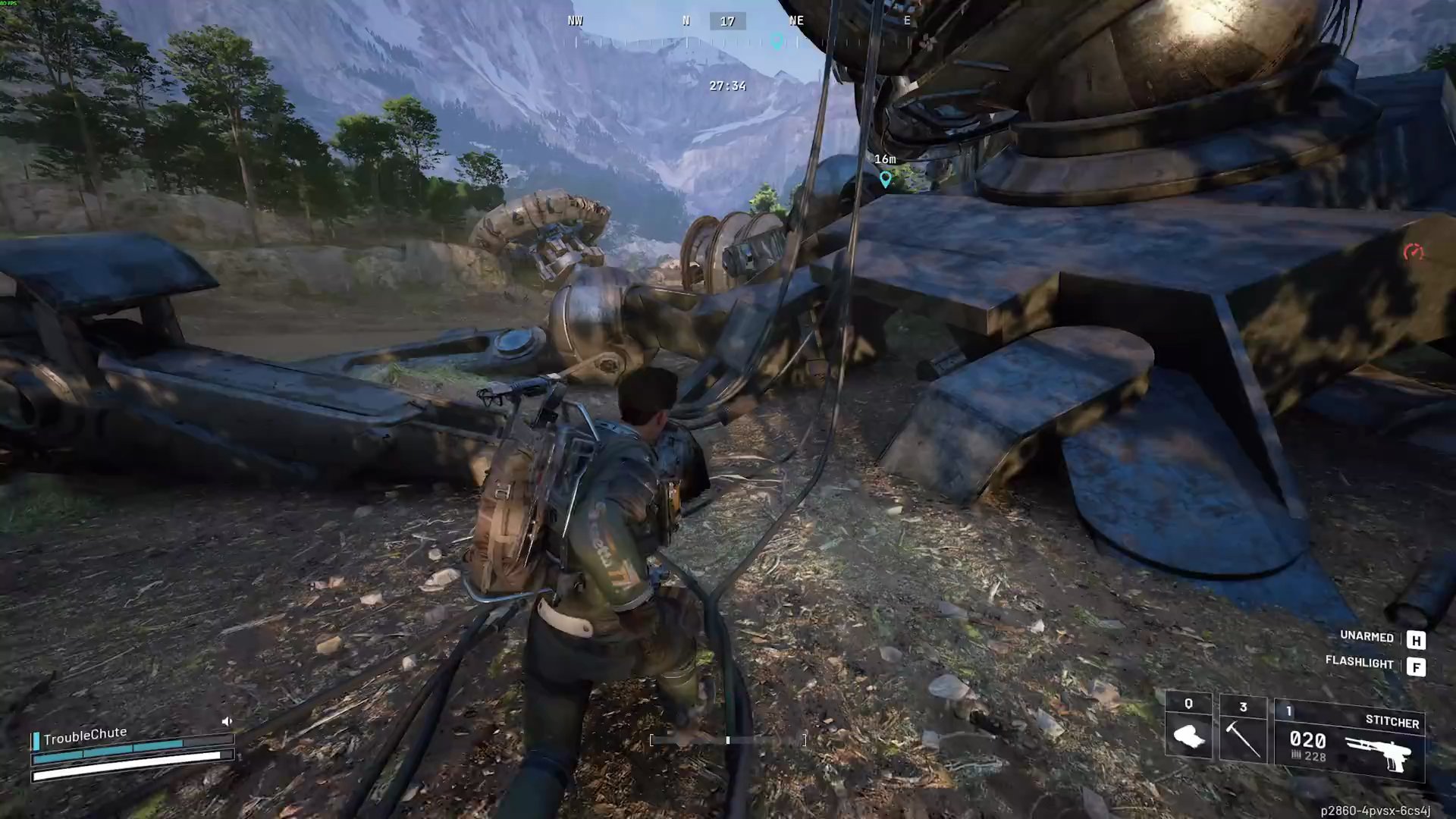
Step 3: Find Signs of ARC Machine Takedown
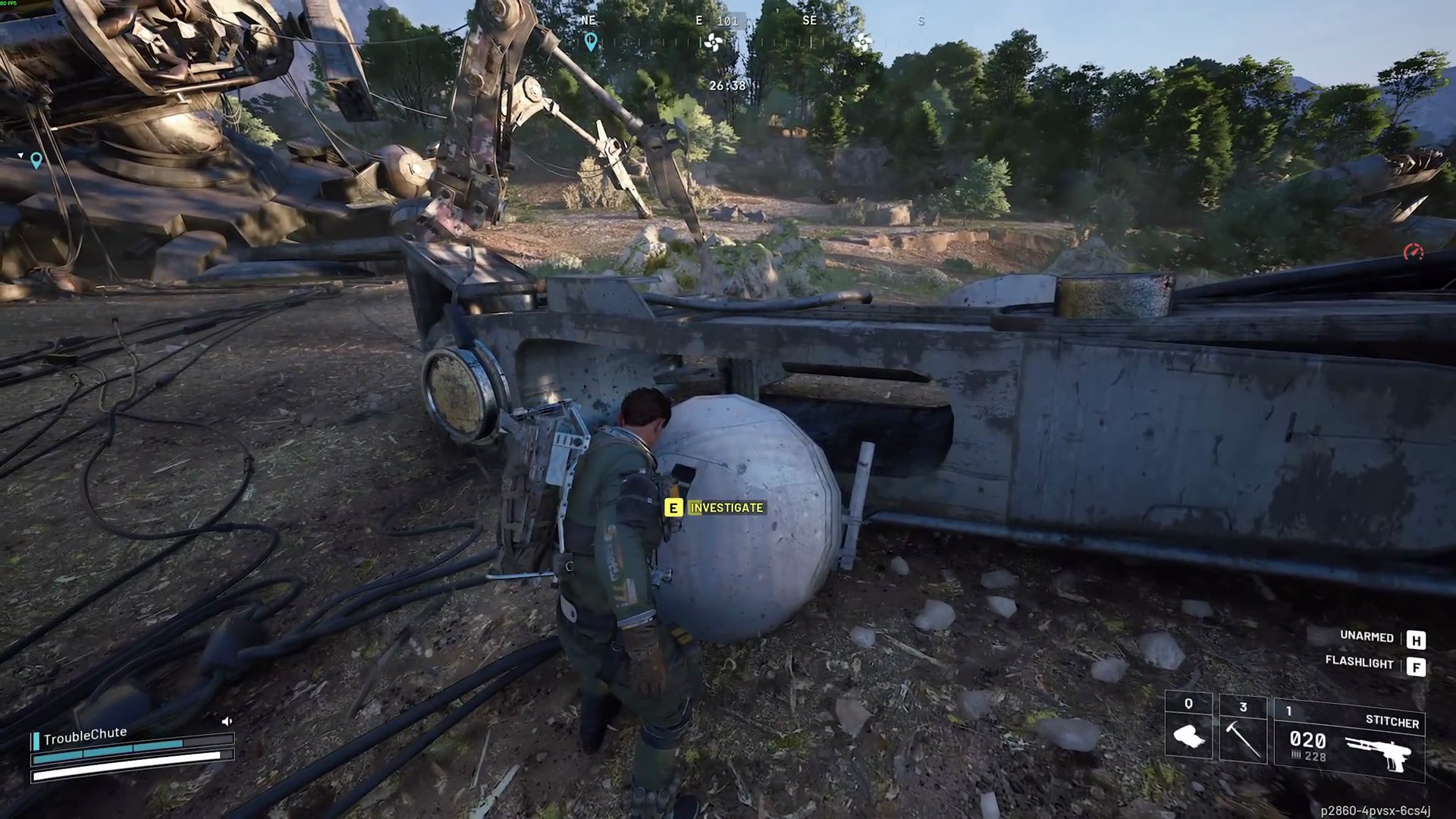
- Within the Barren Clearing, head towards the southwest side of the large crashed machinery. You'll find a white spherical object on the ground, usually near a small radar-like antenna.
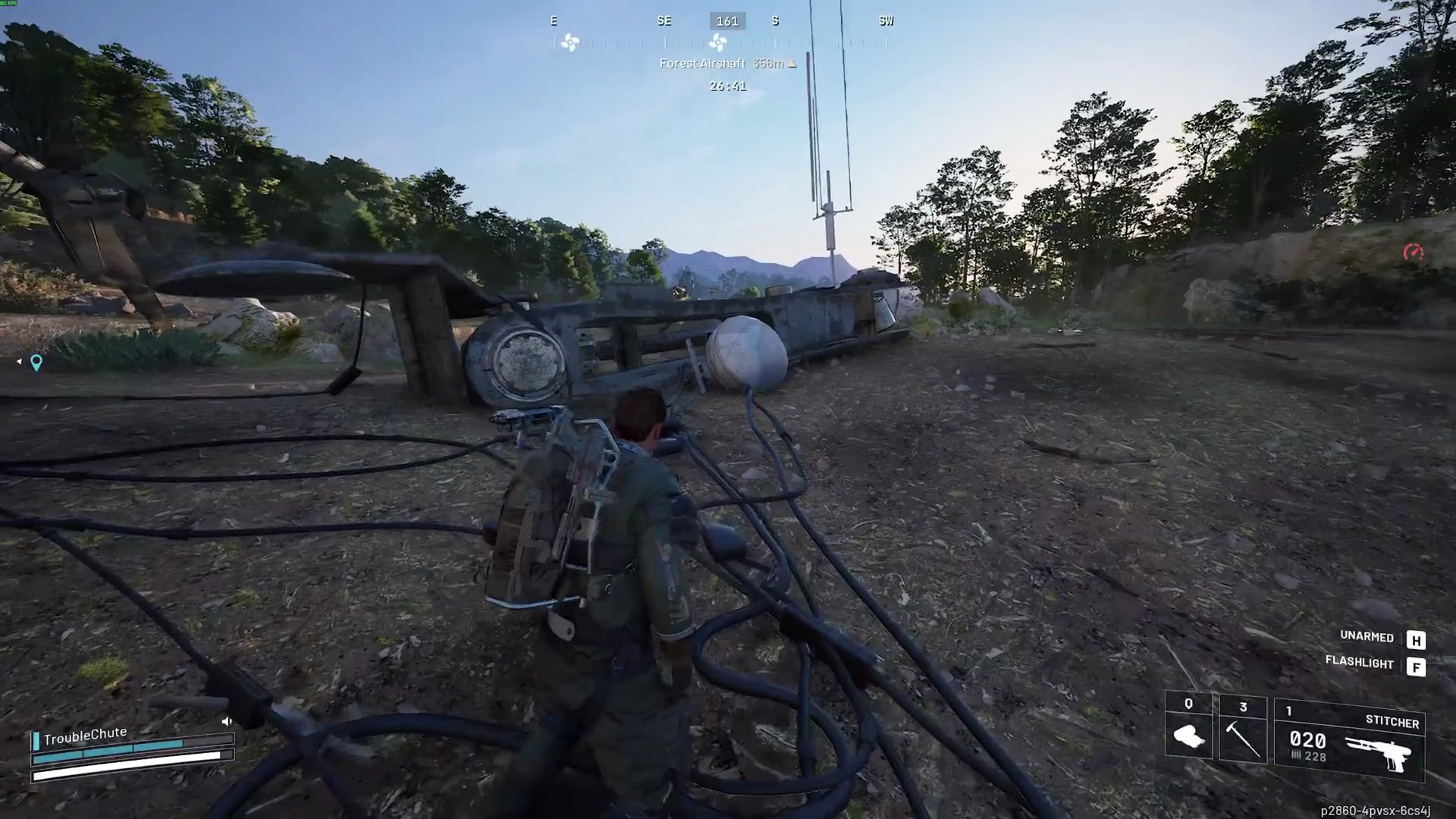
- Interact with this white ball to investigate and complete the objective.
Step 4: Inspect the Adorned Wreckage
- Locate 'Adorned Wreckage' on your map. This area is situated to the south of the Barren Clearing.
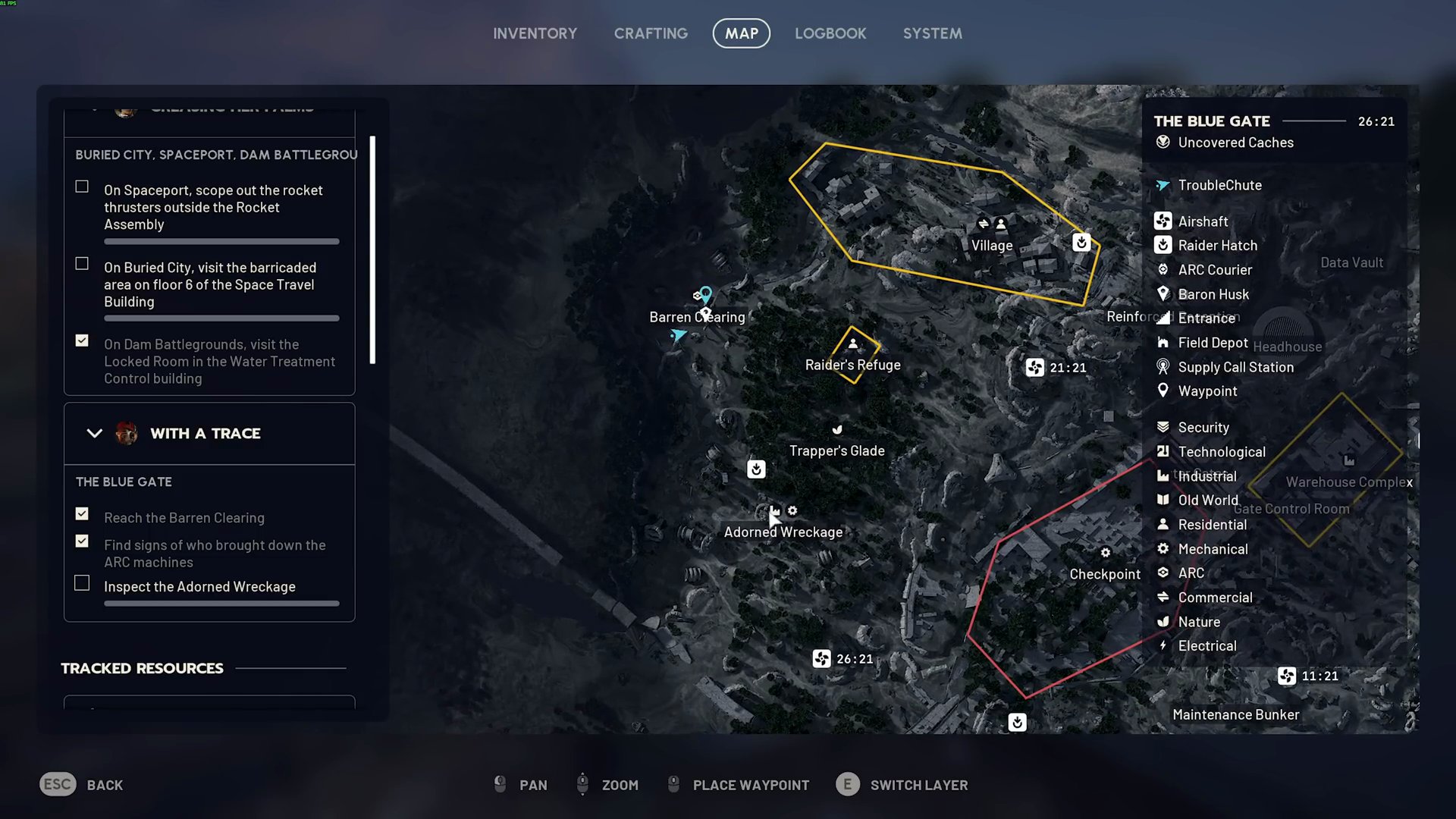
- Proceed to the 'Adorned Wreckage' area.
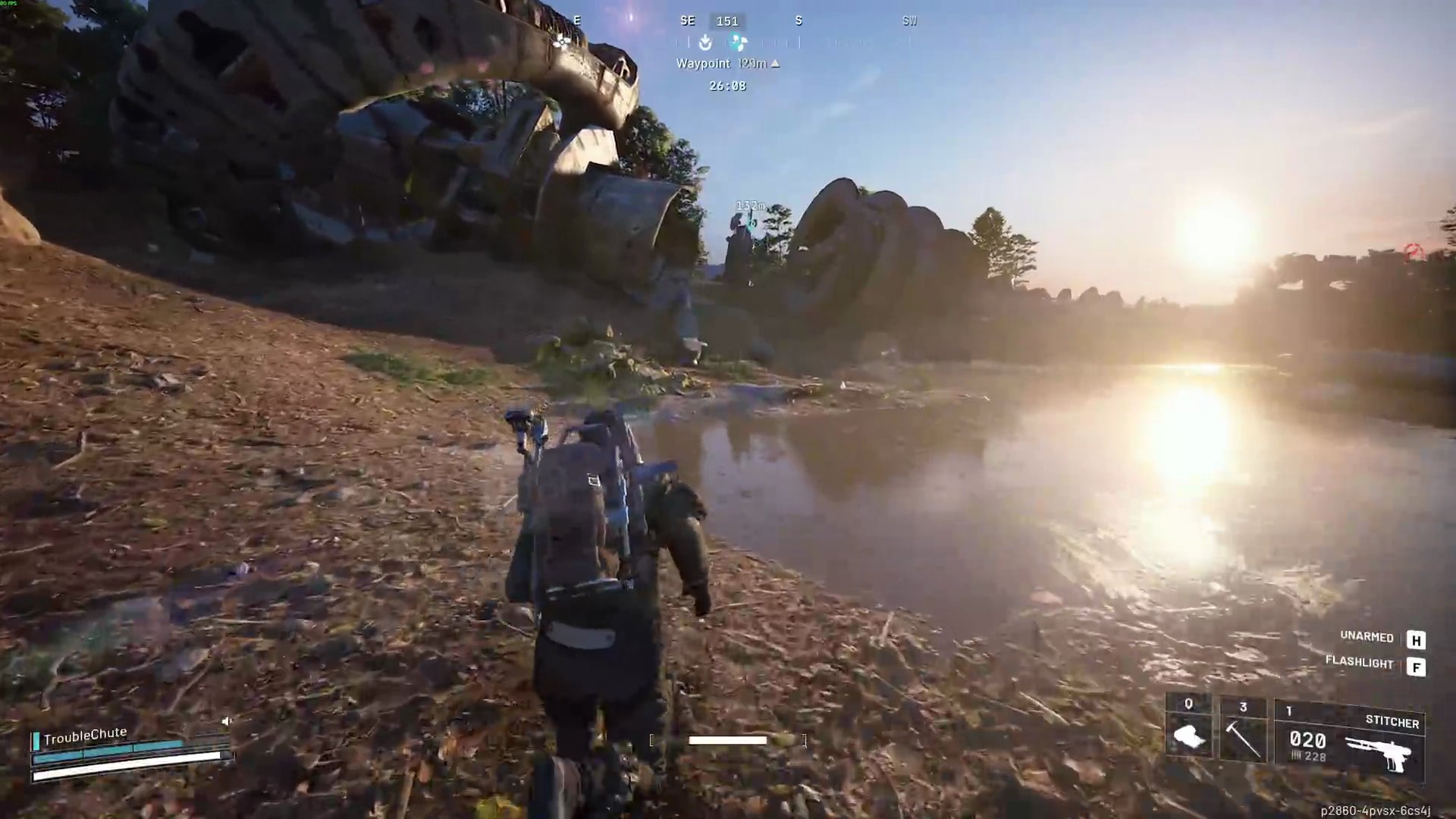
- As you approach the large wreckage, the objective to inspect it will automatically complete.
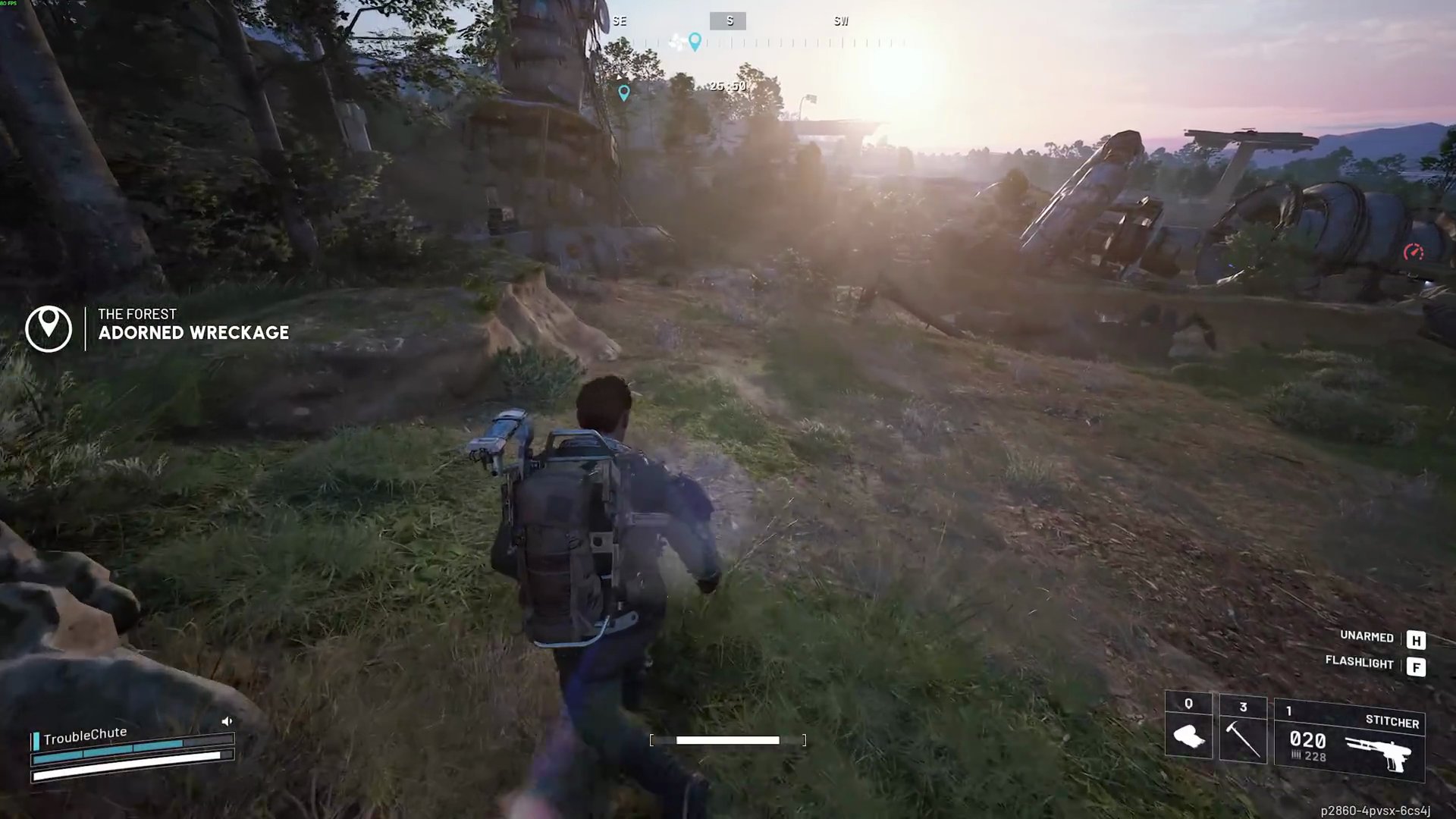
Step 5: Inspect the Communications Device
- After inspecting the Adorned Wreckage, move to the southeastern side of the main wreckage structure.
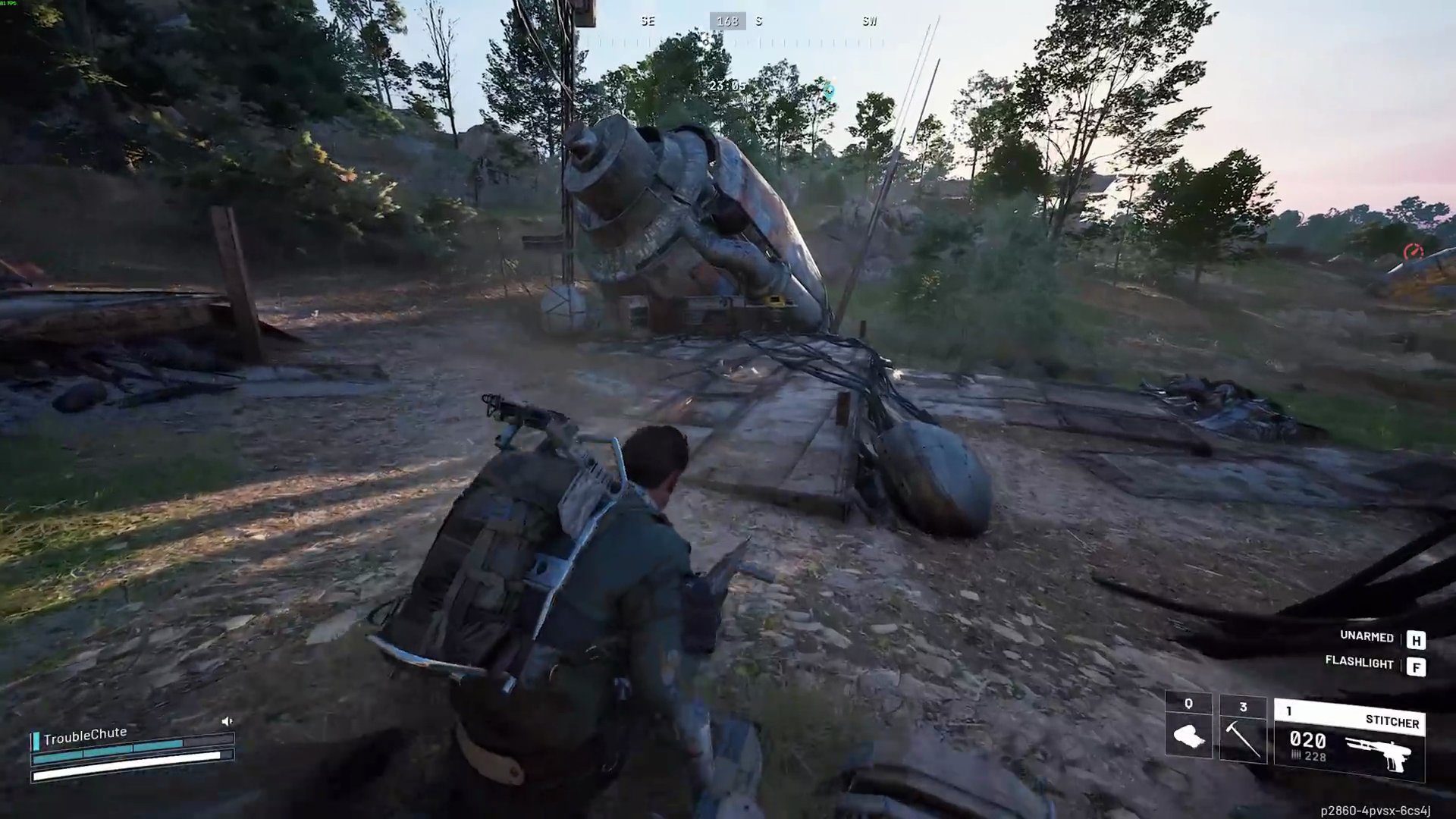
- Look for a small red-crashed section with a computer terminal next to it.
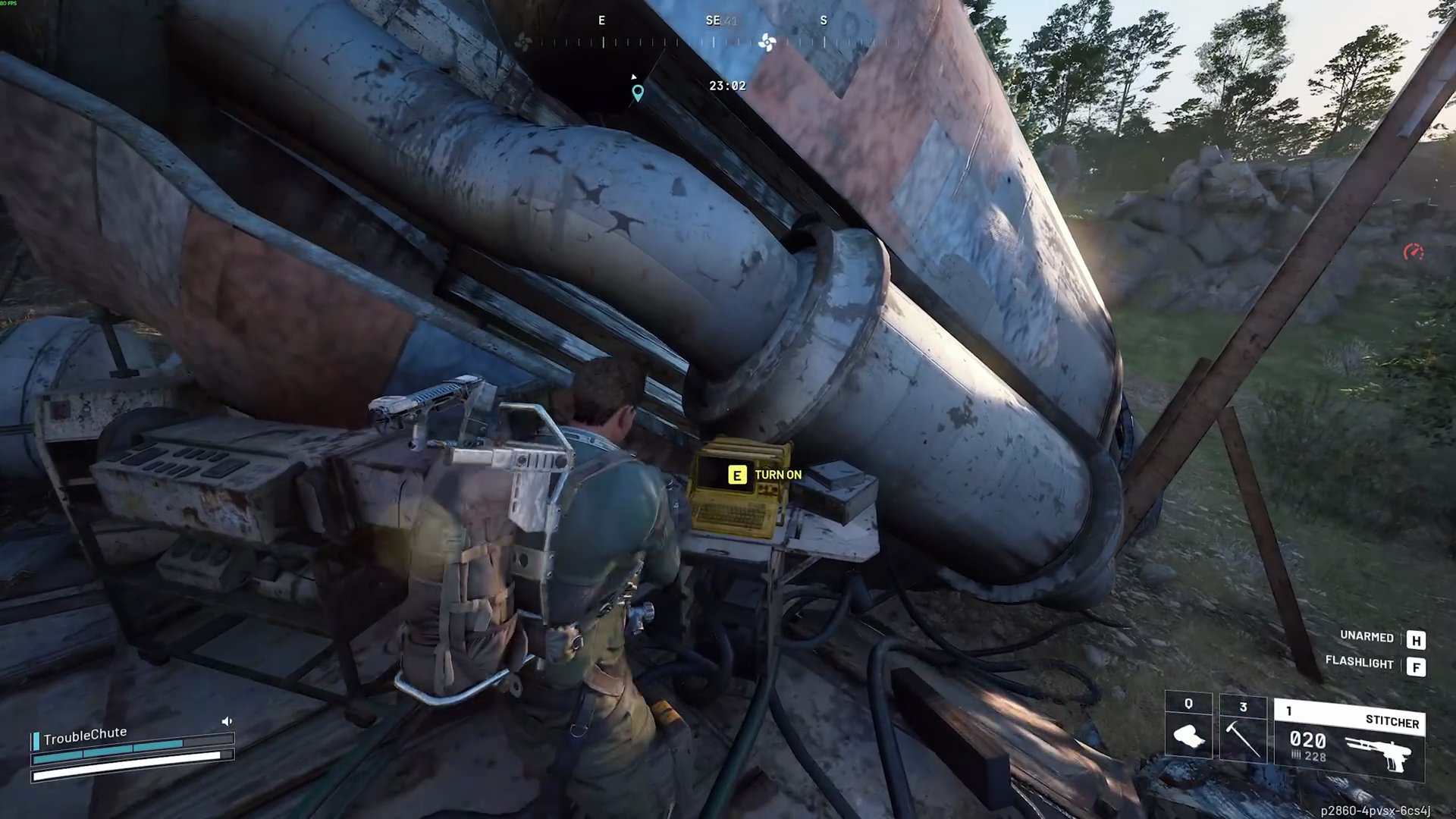
- Interact with this computer terminal to inspect the communications device and complete the final part of the mission.